Veil - Hide what matters
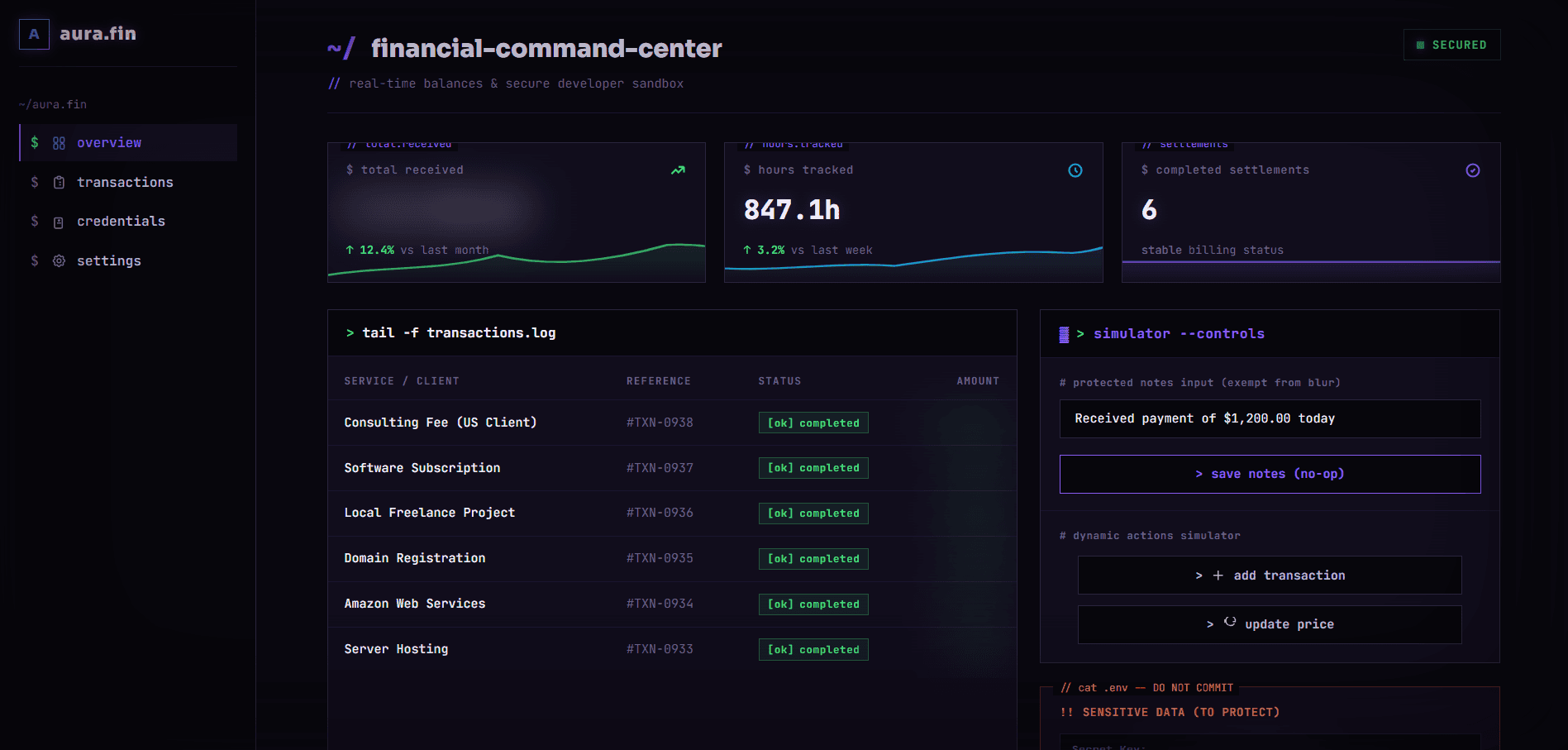
A Chrome extension that instantly blurs, black-bars, or pixelates sensitive on-screen data, balances, emails, API keys, passwords, and PII, so developers, remote workers, and streamers can screen-share or record without leaking private information.
§ 01 - Overview
What is Veil - Hide what matters?
Veil is a Manifest V3 Chrome extension that conceals sensitive on-screen information in real time. Built for anyone who screen-shares or records, developers, SaaS presenters, remote workers, and streamers, it scans the live DOM for balances, emails, API keys, secrets, passwords, and PII, and instantly blurs, blacks out, or pixelates them. Users can redact any custom element with a DevTools-style inspector, whitelist trusted sites, reveal data temporarily with a PIN, and panic-hide the whole page with one keystroke, all fully offline with no data ever leaving the browser.
§ - Capabilities
Key features.
- Built-in detectors that automatically find and redact balances, currency, emails, API keys, secrets, and password fields on any website.
- Developed three redaction modes, blur, black-bar, and pixelate, with adjustable blur intensity.
- Created a DevTools-style visual element selector ('Inspect Mode') with live hover highlighting and CSS-selector tooltips for redacting any custom element.
- Implemented a zero-flicker injection engine running at document_start with a debounced MutationObserver for full single-page-app support.
- Added a one-keystroke panic mode that instantly curtains the entire page, dismissible by click, Escape, or hotkey.
- Built per-domain whitelisting and custom CSS selector rules saved per site.
- Added temporary hover-reveal, click-reveal, and PIN-protected reveal so hidden data can be checked without fully unhiding it.
- Implemented auto-protect that blurs the page on focus-loss or idle, plus a stealth mode.
- Created keyboard shortcuts to toggle protection and trigger panic blur instantly.
- Designed a slate-dark glassmorphism control panel with teal-to-indigo branding.
- Kept the extension 100% offline, all settings live in Chrome storage with zero analytics or server calls.
§ - Engineering
Built with.
Chrome Extension (Manifest V3)
- Service-worker background
- Content scripts on all frames
- Command hotkeys & context menus
JavaScript
- Real-time DOM scanning
- Combined detector regex engine
- Zero-flicker document_start injection
MutationObserver + TreeWalker
- Debounced DOM mutation tracking
- Full single-page-app support
- Efficient text-node redaction
Chrome Storage API
- Synced settings & per-domain rules
- 100% offline
- no server calls
CSS
- Blur / black-bar / pixelate modes
- Hover/click / PIN reveal
- Glassmorphism control panel UI
§ 04 - Engage
Want results like these?
Tell us the goal in a paragraph. We'll reply within 6–12 hours with scope, timeline, and a fixed quote.
Start a conversation