8 Website Redesign Mistakes That Kill Conversions (and How to Avoid Them)
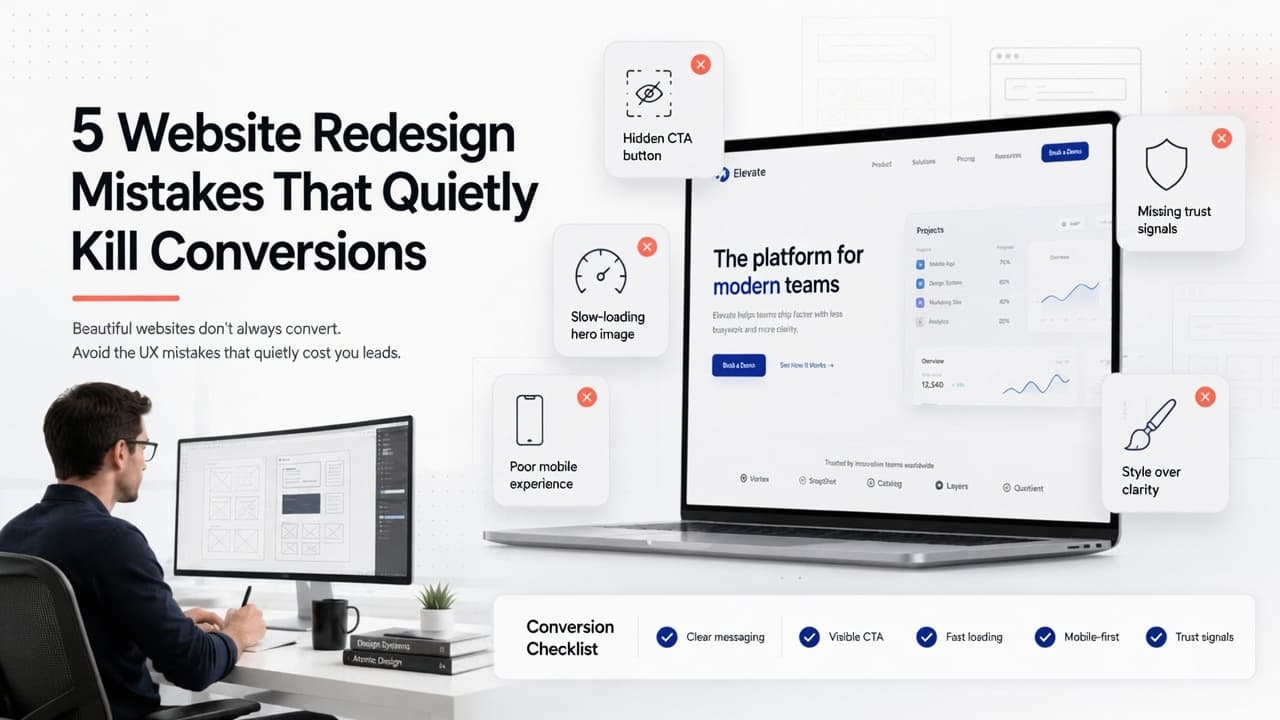
The new site launched on a Monday. By Friday the team had shared it with every client, and by the end of the month the contact form had gone quiet. Nobody changed the offer, the prices or the ads. They changed the website, and it got worse at its one job. That is what website redesign mistakes look like from the inside.
Most of them have nothing to do with how the new site looks. They happen in the gap between the old site and the new one: pages that ranked get deleted, old URLs stop working, tracking breaks, the main button moves, and a form nobody tested on a phone fails silently.
Short answer: a redesign kills conversions when it throws away what the old site already did well. Before launch, record your current traffic, rankings and enquiries; keep every page that earns visits; 301-redirect every old URL to its closest new match; check analytics and key events still fire; make sure new pages are no slower; keep the main call to action obvious; and test every form on a real phone. Then wait at least four weeks before judging the results. Below: the eight mistakes in detail, then two checklists.
Should you redesign your website at all?
The cheapest redesign mistake is the one you never make. Plenty of sites that feel "old" only need focused fixes: faster pages, a rewritten home page, a clearer form.
Our rule of thumb: redesign when several things fail at once, especially mobile usability, editing (your team can't change a sentence without a developer) and conversion. If only one or two areas are weak, fix those. And if people visit but don't get in touch, read why a website gets traffic but no leads first, because a new design rarely fixes a weak offer or the wrong traffic.
On the fence? The free Do I Need a Redesign? scorecard asks eight quick questions (age, brand, mobile, speed, leads, SEO, editing and upkeep), can scan your site for signs of ageing, and gives a score out of 100 with a keep, refresh or redesign verdict. Its action plan doubles as a brief for the new site.
The 8 website redesign mistakes that cost you leads
These run in roughly the order they happen in a project. The first four do the most damage, and nobody sees them on launch day.
1. Redesigning without data
A redesign built on opinions ("make the logo bigger", "I saw this animation somewhere") has nothing to measure itself against. When leads drop, nobody can say whether it's the design, the season or a broken form.
How to avoid it: export a baseline before any design work. From Google Analytics, note monthly sessions, your top 20 landing pages and your key events (GA4 renamed "conversions" to "key events" in 2024; they're the actions you've marked as important, such as a form submission). From Search Console, export the queries and pages that bring in clicks. Twelve months of data is ideal; three is the bare minimum.
2. Removing pages and content that ranked
This is the most common way a redesign loses search traffic. A tidier sitemap feels like progress, so the old blog posts, location pages and long FAQ get cut. Some were bringing in most of your Google visitors.
How to avoid it: sort your Search Console pages by clicks over the last 12 months. Any page with meaningful clicks moves to the new site with its content intact (restyle it, but keep the words that made it rank) or gets merged into a closely related page. Only pages with no traffic, no links and no purpose should go. When in doubt, keep it.
3. Changing URLs without 301 redirects
If /services/roof-repair becomes /roofing/repairs and nothing tells Google, the old address returns a "not found" error. Every bookmark, backlink and search result pointing to it now leads nowhere.
Google's site-move guidance on Search Central sets out how to do it properly:
- Use server-side permanent redirects, such as 301 or 308. Temporary ones (302 or 307) don't tell Google the new URL should replace the old one.
- Map each old URL to its closest new equivalent. Redirecting many old URLs to one irrelevant page, such as the home page, confuses visitors and can be treated as a soft 404 (a page Google decides is effectively missing).
- Redirect straight to the final address instead of chaining redirects.
- Keep the redirects for as long as possible, generally at least a year.
- Update your internal links to the new URLs and submit the new sitemap in Search Console.
How to avoid it: build a redirect map in a spreadsheet before launch. Column A lists every old URL (from your sitemap, Search Console and analytics), column B where it goes. After launch, test a sample of old URLs and confirm each lands on the right page in one hop. Changing domain too? Search Console's Change of Address tool applies, but Google says it's only for moves between domains or subdomains.
Google also says a medium-sized site can take a few weeks or more for new URLs to replace old ones in results, and large sites longer. Some ranking movement in that window is expected; a sustained drop usually means lost pages or wrong redirects.
If you'd rather not build the redirect map yourself, our experienced team does this as part of our SEO and technical optimization work: we map every URL, set up the redirects and watch Search Console after launch.
4. Losing tracking and key events
The new theme ships without the analytics tag. Or the form now shows an inline thank-you message instead of loading a thank-you page, so the key event that counted every enquiry never fires. The dashboard says leads fell to zero, and nobody knows whether they were lost or just not counted.
How to avoid it: list every tag on the old site (analytics, ad pixels, call tracking, chat) and every key event, then check each on staging. Submit a test enquiry and watch it appear in the GA4 real-time report. Repeat on launch day on the live domain, because staging and live often differ.
5. Launching slower pages
Redesigns add weight: a full-screen video, bigger photos, an animation library, three more plugins. It looks great on office Wi-Fi and crawls on mobile data.
How to avoid it: test your top pages before and after. Google's Core Web Vitals give you targets: Largest Contentful Paint (when the main content appears) within 2.5 seconds, Interaction to Next Paint (how fast the page responds to a tap) of 200 milliseconds or less, and Cumulative Layout Shift (how much things jump as it loads) of 0.1 or less, measured at the 75th percentile of real visits. Our rule: no key page launches slower than the page it replaces. Our guide to why a website is slow covers the usual causes and fixes.
6. Burying the main call to action (and the proof beside it)
A cleaner design often means fewer words, more whitespace and a hero with a slogan instead of an offer. Along the way, the "Book a call" button slides into the menu or below the fold, and the reviews and client logos next to it get cut as clutter.
How to avoid it: someone arriving cold should know what you do, who it's for and what to do next within a few seconds. Keep one primary call to action above the fold, worded as an outcome ("Get a quote in 24 hours" beats "Submit"), and give it more visual weight than anything near it. Put proof, such as reviews, logos and guarantees, right beside it, where the decision happens.
Want a second opinion before launch? The free Landing Page Roast scores your headline, call to action, trust signals and copy clarity out of 10 each, lists the buttons and trust signals it found, and suggests rewrites to paste in. Try the old page too and compare.
7. Launching without testing forms on mobile
Forms break more quietly than anything else. A new form plugin, an over-strict spam filter, or an email rule still pointing at someone who has left: any one means enquiries vanish with no error anywhere. Phones add more, like a submit button hidden behind a cookie banner.
How to avoid it: submit every form from a real iPhone and a real Android phone on mobile data. Confirm the success message appears, the email reaches the right inbox and the lead lands in your CRM. Then trigger the errors on purpose (empty required field, bad email address) and check the messages make sense.
8. Judging the results too early
A week after launch, enquiries look lower, someone panics and the team starts undoing changes that were probably fine.
Say your old site averaged 3,000 visits and 45 enquiries a month, a 1.5% rate. In week one of the new site you get 600 visits and 6 enquiries, which is 1%. At the old rate you'd have expected 9. A gap of three enquiries in one week is far too small to tell you anything.
How to avoid it: fix anything broken straight away (forms, tracking, redirects), but give the design at least four weeks before judging it. Compare with the same period last year where you can, so seasonality doesn't fool you. Search Console's Core Web Vitals report uses a rolling 28-day window, so speed gains take a month to show there anyway.
Website redesign checklist: before launch
Copy this into your project plan and tick every line before the new site goes live.
- Baseline saved: sessions, top landing pages, key events, Search Console queries and pages, call volume.
- Every page with search traffic kept, merged into a close match, or removed for a stated reason.
- Redirect map complete: every old URL 301s to its closest new URL, no chains, nothing dumped on the home page.
- Page titles, meta descriptions and headings carried over or improved on pages that ranked.
- Analytics, ad pixels and call tracking installed; every key event tested on staging.
- Key pages no slower on mobile than the old versions.
- One clear call to action above the fold on every key page, with proof beside it.
- Every form submitted from a real phone, error states included; emails reach the right inbox.
- The staging noindex tag and any robots.txt block removed (Google's site-move guide specifically reminds you of this).
- A full backup of the old site, and someone available on launch day.
Website redesign checklist: after launch
The first month decides whether the redesign keeps its rankings.
| When | What to check |
|---|---|
| Launch day | Test 20 to 30 old URLs for correct redirects. Send a test enquiry and see it in GA4 real-time. Submit the new sitemap. Confirm the site isn't blocked from indexing. |
| Week 1 | Look for a spike in "Not found" pages in Search Console and redirect any you missed. Check real enquiries are arriving, not just tests. |
| Weeks 2 to 4 | Watch clicks and impressions for your top pages. Fix any page that has lost most of its clicks. |
| Week 4 onwards | Compare key events and enquiry rate with your baseline and last year. Only now judge the design, changing one thing at a time. |
If enquiries are still down after a month and every check is clean, the problem is usually on the page rather than technical. That's when our traffic-but-no-leads guide earns its keep.
When we'd advise against a redesign
Hold off if you're about to change your offer, pricing or target customer, or you'll redesign twice. Hold off if your busiest season is weeks away and nobody has time to test. And if the only complaint is that the site "looks dated" while it still converts well, a refresh of the home page and top service pages plus a speed pass usually gets most of the benefit with a fraction of the risk.
Frequently Asked Questions
Why did my conversions drop after a website redesign? Rule out technical causes first: forms that don't send, key events that no longer fire and old URLs returning errors. If those are fine and traffic to your top pages fell, you've lost rankings. If traffic held but enquiries fell, look at the call to action, the proof near it and mobile speed.
How do I redesign my website without losing SEO? Keep pages that earn search traffic, 301-redirect every old URL to its closest new one, carry over titles and headings, update internal links, submit the new sitemap and remove any staging noindex tag. Then watch Search Console for "not found" errors.
How long should I keep redirects after a website migration? Google recommends as long as possible, generally at least a year. Old links and bookmarks keep sending visitors for years, so there's little reason to remove them.
How long do rankings take to recover after a redesign? With correct redirects, Google says a medium-sized site can take a few weeks or more for new URLs to replace old ones, and large sites longer. A drop that lasts well beyond that usually means pages or content were removed.
Should I redesign my website or just fix it? Redesign when several areas fail together, such as mobile, editing, speed and leads. If one or two are weak, targeted fixes are faster and cheaper. The redesign scorecard gives you a verdict in about two minutes.
Keep reading
- Website Traffic but No Leads? 7 Reasons and How to Fix Them
- Why Is My Website Slow? Core Web Vitals, Rankings and How to Fix It
- How Much Does a Website Cost in 2026? A Real Price Breakdown
Planning a redesign and want to keep what already works?
We build redesigns with the redirect map, tracking checks and mobile form tests done before launch, not after. For WordPress sites, that's our WordPress development service, from $997.
Already live and the numbers have dipped? Our SEO and technical optimization service, from $497, finds the missing redirects, lost pages and broken tracking and fixes them.
These are general timelines and prices for typical projects, not a quote. For an exact timeline, quote and pricing, book a free consultation.
More posts
All posts →
AI Product Recommendations: Are They Actually Worth It?
When AI product recommendations lift sales and when they don't, what they cost, and how to get your products recommended by ChatGPT and Google's AI Mode too.

Website Traffic but No Leads? 7 Reasons and How to Fix Them
Visitors arrive, the inbox stays quiet. Here are the seven real reasons traffic doesn't turn into enquiries, an afternoon checklist to find yours, and the fix order.