Website Traffic but No Leads? 7 Reasons and How to Fix Them
Before you rewrite a single headline, fill in your own contact form on your phone and see whether the email actually arrives. A surprising number of sites with website traffic but no leads are not failing to persuade anyone. The form is broken, the notification goes to an old inbox, or every enquiry is landing in spam.
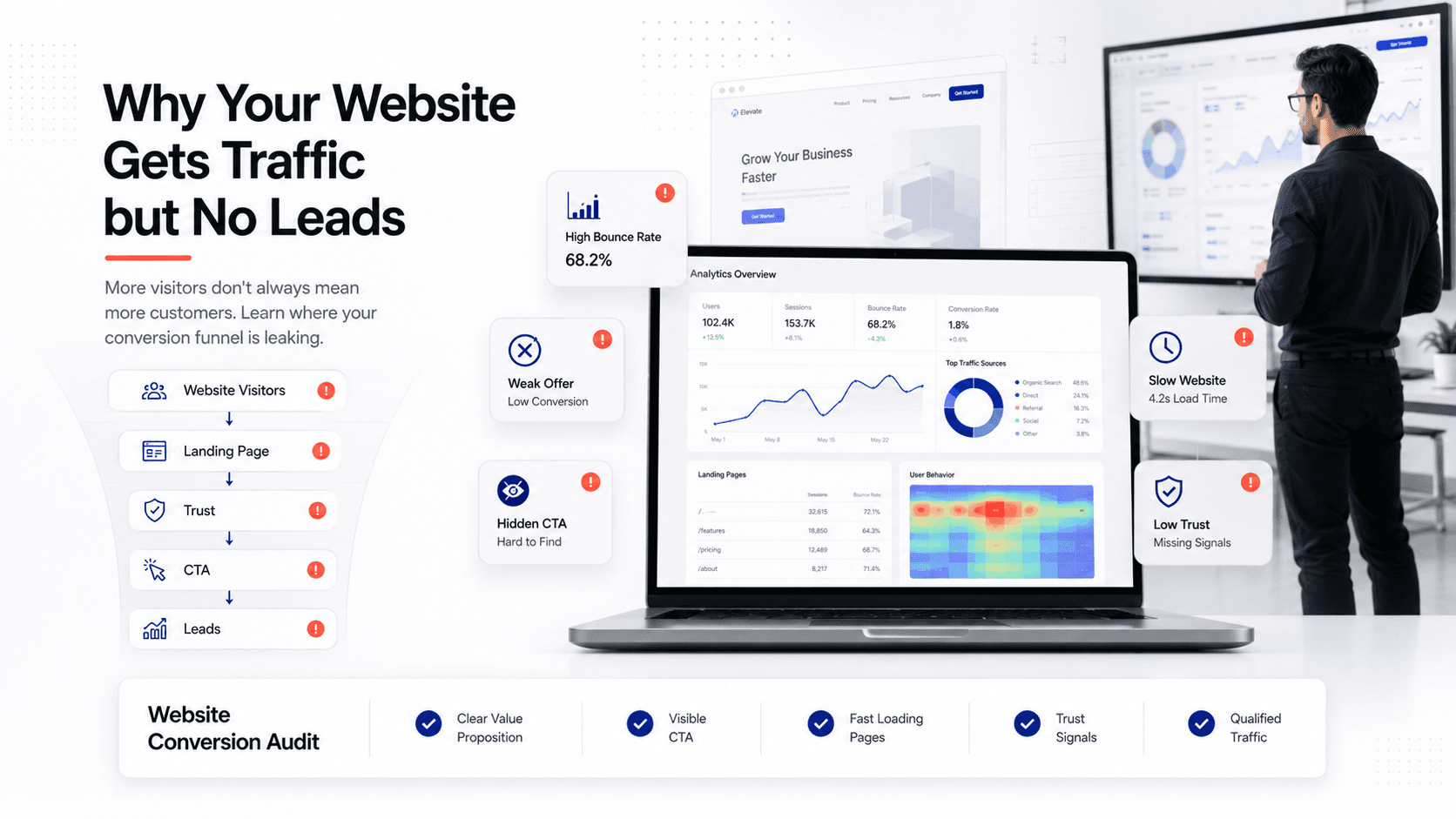
If the form works and you're still getting no leads from your website, the problem is almost always one of seven things: the wrong visitors, an unclear offer, a weak first screen, a form that asks too much, no proof, slow mobile pages, or no follow-up when someone does get in touch. Short answer: traffic without leads is a conversion problem, not a traffic problem. Find which of those seven is breaking first (you can do it in an afternoon with the checklist below), fix that one, and only then spend more on getting visitors.
First, make sure it really is "website traffic but no leads"
Half an hour here can save you a redesign.
- Test every form yourself. Submit the contact form, the quote form and any booking widget from a phone on mobile data. Check the email arrives, who gets it, and the spam folder.
- Count every channel, not just forms. Calls, WhatsApp clicks and emails to the footer address are leads too. If analytics only tracks the form, it under-reports.
- Check what analytics is actually tracking. In Google Analytics 4, the actions that matter to your business are called key events (Google renamed them from "conversions"). If no form submission or thank-you page is marked as a key event, your reports will show zero leads whatever happens.
Why your website is not generating leads: the seven real reasons
They are in the order a visitor meets them, from the click to what happens after they hit send.
1. The traffic is the wrong traffic
A blog post that ranks for "what is a CRM" will bring plenty of students and curious readers, and almost no one ready to hire a CRM consultant. Broad keywords and loosely targeted ads inflate visitor numbers without adding buyers.
How to spot it: open the Search Console Performance report and read the queries your site actually shows up for. If most of them are informational ("what is", "examples of", "free template") and the pages getting the traffic are not your service pages, the visits are real but the intent isn't.
2. The offer is unclear
Visitors arrive with a problem and give you a few seconds to show you solve it. "Innovative digital solutions" tells them nothing. "Bookkeeping for restaurants in Manchester, fixed monthly fee" tells them whether to stay.
A clear offer says who it's for, what problem it solves, what the result looks like, and why you rather than the obvious alternative. If your homepage leads with a mission statement or slogan, this is one of your problems.
3. The first screen doesn't do its job
The first screen is everything a visitor sees before scrolling, and on a phone that is not much. It needs a headline that states the offer, one primary button and, ideally, one piece of proof. Pages often fail here in two ways: a full-screen image or slider with a vague line of text over it, or four buttons of equal weight (book a call, download a guide, see our work, follow us) so nobody knows which one matters.
Pick one main action per page and repeat it lower down.
4. The form has too much friction
Every field is a question the visitor must answer before getting anything back. Budget, company size, how did you hear about us, a required phone number, a CAPTCHA that fails on mobile: each one is a reason to close the tab.
Ask only for what you need to reply well. For most service businesses that is a name, an email and one free-text question about what they need. Qualify on the call. And check the error states: if someone mistypes an email and the form clears everything they wrote, they won't type it twice.
5. There is nothing that builds trust near the decision
Many sites do have reviews and case studies, just in the wrong place: testimonials on a separate page, client logos in the footer, a guarantee buried in the terms. The visitor is deciding next to the button, so that is where proof belongs.
Useful proof is specific: a real project they can click into, a review with a detail in it, a plain note of what happens after they enquire. "Trusted by hundreds" does less than one real example.
6. The mobile pages are slow or awkward
A page that takes several seconds to show anything on a phone loses visitors before the headline loads. Google's Core Web Vitals give useful targets: the main content should appear within 2.5 seconds (Largest Contentful Paint), the page should respond to a tap within 200 milliseconds (Interaction to Next Paint), and layout shift should stay at 0.1 or less, all measured at the 75th percentile of real visits, on mobile and desktop separately.
Also check by hand: buttons big enough for a thumb, no pop-up covering the form, phone numbers that dial when tapped. We cover the speed side in more detail in why your website is slow and how Core Web Vitals affect sales.
7. Nobody follows up, or follows up too late
This happens after the site has done its job, so audits miss it. An enquiry that waits two days for a reply has often booked someone else.
Set an instant confirmation that says what happens next and when, and make sure a real person replies the same working day. If a lot of enquiries arrive out of hours or on WhatsApp, an assistant that answers first questions and books a call can help; we explain how that works, and where it shouldn't replace a person, in WhatsApp chatbots for business.
How to find which one it is in an afternoon
Work through these in order; each one rules out a cause before you spend time on the next.
- Test the plumbing (20 minutes). Submit every form on a phone, confirm delivery, and check that a form submission is tracked as a key event in GA4. If something is broken, stop here and fix it first.
- Read your search queries (20 minutes). In Search Console, list the 20 queries with the most impressions. Mark each "buyer" or "researcher". If buyers are a small minority, cause 1 is in play.
- Find your top landing pages (15 minutes). In GA4's landing page report, note the five pages where most sessions start. Those are your real homepages.
- Do the five-second test on each (30 minutes). Open each page on your phone, look for five seconds, then look away. Could a stranger say what you offer, for whom, and what to click?
- Get an outside score (10 minutes). Run your main landing page through our free landing page roast. In about a minute it scores the headline, call to action, trust signals and copy clarity out of 10 each, and suggests rewrites you can paste in. The report is emailed to you, so you can share it with whoever edits the site.
- Fill in your own form as a stranger (15 minutes). Count the fields. Count the required ones. Try a wrong email and see what the error does.
- Check mobile speed (15 minutes). Run the main landing page through PageSpeed Insights and look at the real-user data at the top, not just the lab score. Note which of the three Core Web Vitals fail on mobile.
- Look up your last ten enquiries (20 minutes). How long did each wait for a first reply? How many got one at all?
Most sites fail two or three of these. Write each failure next to the cause it points to: that is your fix list.
If you'd rather have someone run this for you, our experienced team can do it as part of our SEO and technical optimization work and tell you which leak to close first.
The fixes, in priority order
Here is the order we'd work in, based on how fast each fix is and how many leads it can hold back on its own.
| Priority | Fix | Typical effort | Why it comes here |
|---|---|---|---|
| 1 | Repair broken forms, notifications and tracking | Hours | Nothing else matters if enquiries vanish or can't be measured |
| 2 | Reply to every enquiry the same working day, with an instant confirmation | A process change | Free, and it saves leads you are already getting |
| 3 | Rewrite the headline and first screen of your top landing pages around one offer and one button | A day or two | Every visitor sees it, so small gains apply to all traffic |
| 4 | Cut the form to the fields you need and fix its error states | Hours | Removes the last obstacle for people already convinced |
| 5 | Move proof next to the main button | A day | Usually the evidence exists; it just needs to be where the decision is |
| 6 | Fix mobile speed and usability | Days to weeks | Big impact if pages are slow, but more technical work |
| 7 | Retarget content and ads toward buyer searches | Weeks to months | The slowest to pay back, so do it once the pages can convert |
Change one thing at a time where you can, and note the date. If enquiries move the week after a headline rewrite, you'll know why.
How to get more leads from your website without more traffic
Your website conversion rate is enquiries divided by visits, and it decides whether more traffic is worth paying for.
Take a hypothetical accountancy firm with 2,000 visits a month and 10 enquiries. That is a conversion rate of 0.5%. To get 20 enquiries by adding traffic alone, it would need 4,000 visits a month, double what it has. If it instead fixes the form, the first screen and the follow-up and the rate rises to 1%, it gets the same 20 enquiries from the 2,000 visits it already has. After that, every extra visitor is worth twice as much, so later spend on SEO or ads goes further.
These numbers are an illustration, not a benchmark. We'd avoid comparing yourself with "average conversion rates" found online, which mix industries and definitions of a lead. Compare your own rate this quarter against last quarter.
When the website isn't the problem (and when it is)
Sometimes the leak is outside the site. If your price is far above what the market pays, or leads come in but sales calls don't close, no button test will fix it. We'd advise against a redesign in those cases; spend the money on the offer or the sales process instead.
The opposite also happens. If the site is several years old, hard to edit, poor on phones and slow, patching each problem one by one can cost more than rebuilding. Our free "Do I need a redesign?" scorecard asks eight quick questions and can scan your site, then gives a score out of 100 with a verdict: keep and improve, refresh, or redesign. If it says redesign, read the redesign mistakes that quietly kill conversions before you brief anyone, so the new site doesn't lose the leads the old one did bring in.
Frequently Asked Questions
Why does my website get traffic but no leads? Usually because something between the click and the enquiry stops people: visitors who were never going to buy, an unclear offer, a first screen without one clear action, a long form, missing proof, slow mobile pages or slow follow-up. Test your own forms first.
How do I know if my problem is traffic or conversion? Look at what people searched before they arrived. If Search Console shows mostly buyer searches and your service pages get the visits, but enquiries are low, it is a conversion problem. If the queries are mostly research questions, it is partly a traffic quality problem, and the fix starts with what you rank and advertise for.
What is a good website conversion rate? It depends so much on industry, price and traffic source that a single number isn't useful. Work out your own rate (enquiries divided by visits, for the same period) and aim to improve it quarter on quarter.
How can I get more leads from my website quickly? Fix anything broken in forms or tracking, reply to every enquiry the same working day, and rewrite the first screen of your busiest landing page so it states one offer with one button.
Should I fix conversion before spending more on ads or SEO? In most cases, yes. Sending more visitors to a page that doesn't convert means paying more for the same thin result.
What makes a good lead generation website? One clear offer per page, one main action repeated down the page, proof next to that action, a short form that works on a phone, fast mobile pages, and a reply process behind it. Design matters less than those basics.
Keep reading
- 8 Website Redesign Mistakes That Kill Conversions (and How to Avoid Them)
- Why Is My Website Slow? Core Web Vitals, Rankings and How to Fix It
- How Much Does a Website Cost in 2026? A Real Price Breakdown
Want someone to find where your leads are going?
We fix lead-losing websites for a living: clearer first screens, shorter forms, proof in the right place and faster pages. If your site runs on WordPress, our WordPress development services start from $997, and our SEO and technical optimization starts from $497 when the main issue is the wrong traffic or slow pages.
These are general timelines and prices for typical projects, not a quote. For an exact timeline, quote and pricing, book a free consultation.
More posts
All posts →
AI Product Recommendations: Are They Actually Worth It?
When AI product recommendations lift sales and when they don't, what they cost, and how to get your products recommended by ChatGPT and Google's AI Mode too.
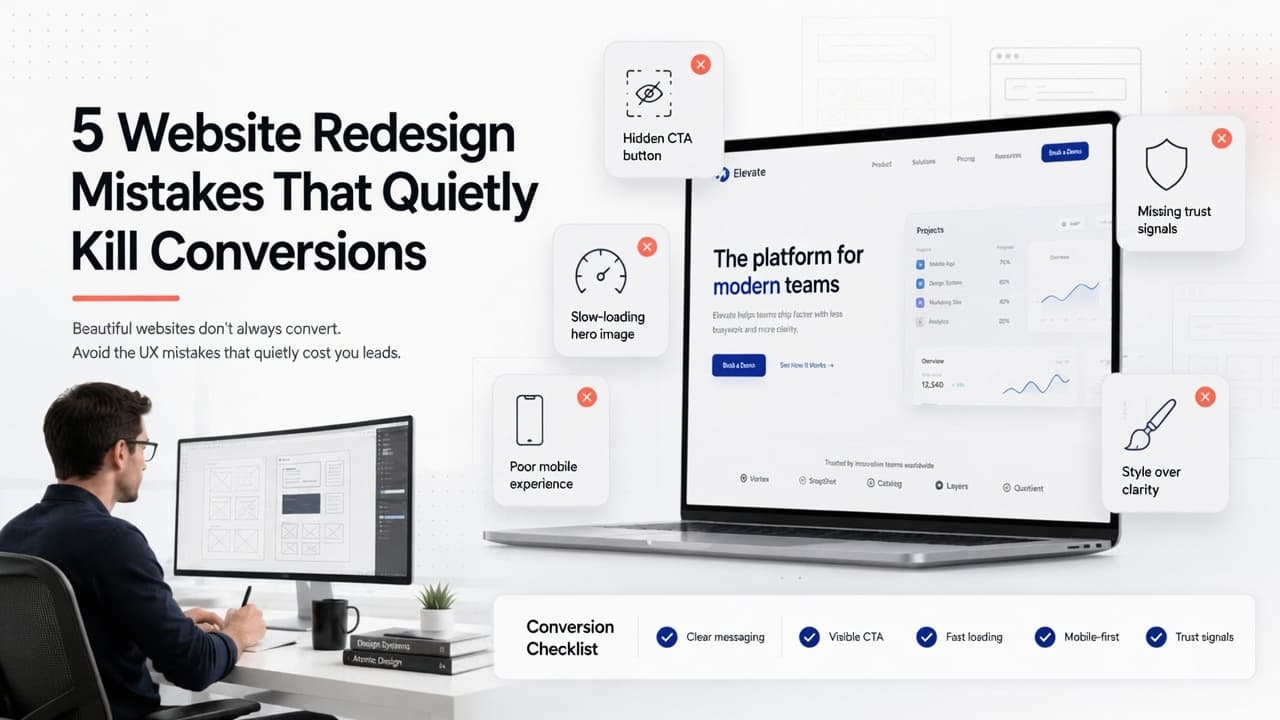
8 Website Redesign Mistakes That Kill Conversions (and How to Avoid Them)
Lost pages, missing 301 redirects, broken tracking and untested forms: the website redesign mistakes that make a new site do worse, plus launch checklists.