§ Free tool
SERP & social preview.
This SERP preview tool shows how your page appears in Google search and as a link on WhatsApp, LinkedIn, X and Facebook, built from your real title, description and Open Graph tags. It flags titles that get cut off, missing descriptions, and share images that are missing, too small or too large.
Why previews matter
Your search result and your link card are often the first thing people see. A clear title, a useful description and a sharp image earn more clicks from the same ranking or the same share.
When tags are missing, Google and the apps improvise: a random snippet from the page, a cropped logo, or plain text with no image at all.
What is checked
For Google: the title and meta description lengths, the canonical URL and the favicon. For social apps: og:title, og:description, og:image (that it loads, and its size, shape and file size), og:url, og:type and site name, and the X card type.
Apps cache previews, so after a fix a link that was already shared can show the old version for a while. LinkedIn's Post Inspector and Facebook's Sharing Debugger refresh it.
What a good result looks like
In Google, aim for a title of about 50 to 60 characters with the main term near the start, and a description of 140 to 155 characters that says what the page offers and why to click. The SERP preview tool passes titles of 30 to 60 characters and descriptions of 70 to 160, and warns outside those ranges. A canonical pointing to the page itself is the normal case.
For link cards, the share image matters most: an https:// address that loads, 1200×630 pixels or close to that 1.91:1 shape, and a file of around 300 KB, well below the size WhatsApp may skip. Add og:title, og:description, og:url, og:type and og:site_name, and set twitter:card to summary_large_image for a full-width card on X.
The most common problems we find
The most frequent is one share image for the whole site, usually the logo, which apps crop into a small square or leave out. Next are titles that look fine in the CMS but run too long once the brand name is added to the end, so Google cuts them off mid-phrase. Descriptions are often missing or identical on every page, so Google picks its own text.
Image problems are easy to miss from the editor: an og:image on a plain http:// address, a 3 MB PNG exported straight from a design file, or a tall photo that every app crops differently. Less common, but more serious, is a canonical left pointing at the home page or a staging domain, which tells Google to treat a different address as the main one.
Why Google rewrites titles and descriptions
Google treats your title and description as strong suggestions, not instructions. It often rewrites a description to match what someone searched for, and sometimes rewrites a title that is too long, repeats keywords or does not match the page's main heading. A preview shows what you have asked for, which is the version Google starts from.
You make rewrites less likely by keeping the title close to the page's H1, writing a description that answers the likely search in plain words, and giving every page its own tags. If Google still picks other text from the page, it usually thinks that text answers the search better, which is worth learning from when you next edit the page.
How we can help
Wyrelane Solutions is an experienced team that builds and fixes this for clients in the US, UK, Europe and Australia, at fixed prices with weekly demos:
- SEO & Technical Optimization Technical SEO services: audits, structured data, Core Web Vitals, indexing fixes and on-page optimization that help your site rank higher on Google.
- Custom Web Application Development Custom web development and web application development on React and Next.js: client portals, dashboards, auth and billing, from MVP to production.
Frequently asked questions
What size should an Open Graph image be?
1200×630 pixels (a 1.91:1 shape), as a JPG or PNG under about 300 KB. Keep the important part in the centre, as some apps crop it.
How long should a title tag be?
About 30 to 60 characters. Google cuts titles at around 600 pixels wide, so longer ones usually end in an ellipsis.
Why doesn't my link show an image on WhatsApp?
Usually there is no og:image, the image address is not https, or the file is too large. The tool checks all three.
Why does my link preview show the wrong image?
Either the page has no og:image and the app picked another image from the page, or the og:image changed after the link was first shared and the app is still showing its cached copy. Check the tags here, then refresh the preview in Facebook's Sharing Debugger or LinkedIn's Post Inspector.
How do I change how my site looks in Google search results?
Edit the page's title tag and meta description: on WordPress an SEO plugin gives you fields for both, and on Shopify each product and page has a search engine listing section. Google updates the result after it next crawls the page, which can take days or weeks; requesting indexing in Search Console can speed it up.
What is the difference between a title tag and og:title?
The title tag is what Google and the browser tab show; og:title is what social and messaging apps show on a link card. They can be the same, but og:title can drop the brand name or be written for sharing. If og:title is missing, most apps fall back to the title tag.
Can you set this up across our site?
Yes. We set titles, descriptions, structured data and share images across every page as part of our SEO work.
Further reading
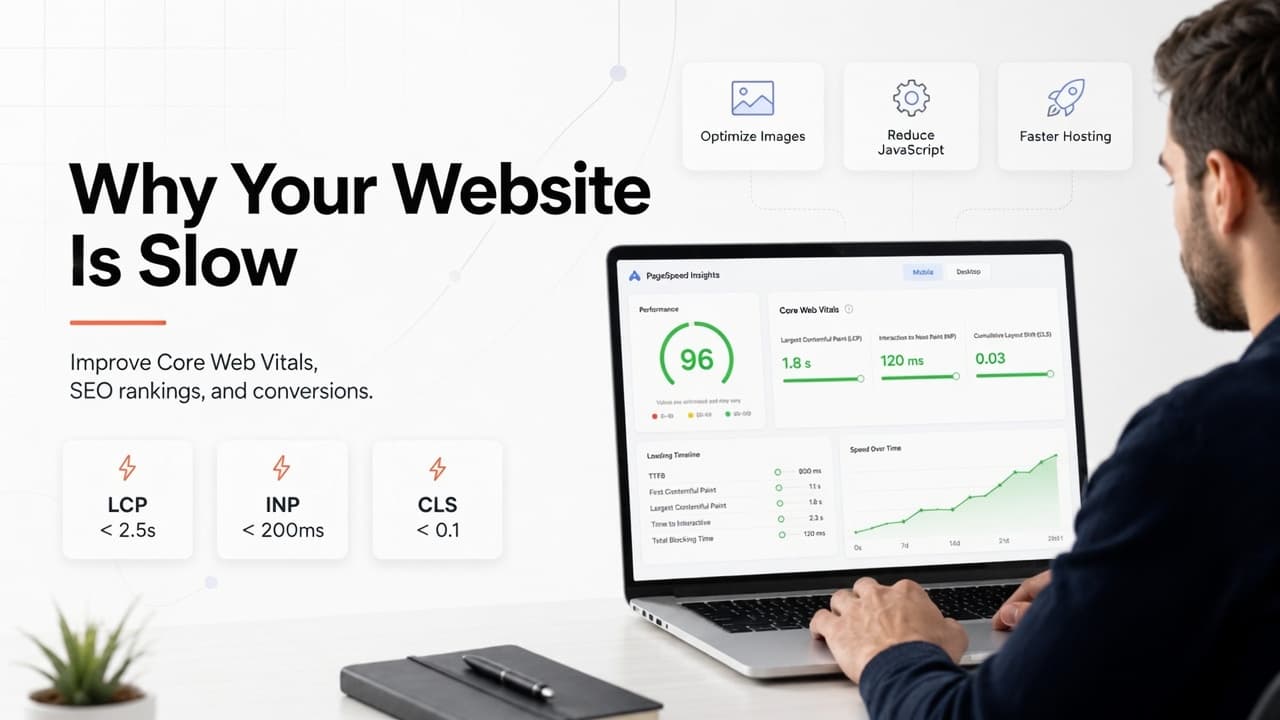
Why Is My Website Slow? Core Web Vitals, Rankings and How to Fix It
Why is your website slow? Find which Core Web Vital is failing (LCP, INP or CLS), trace it to the real cause, and fix that first, using Google's own thresholds.
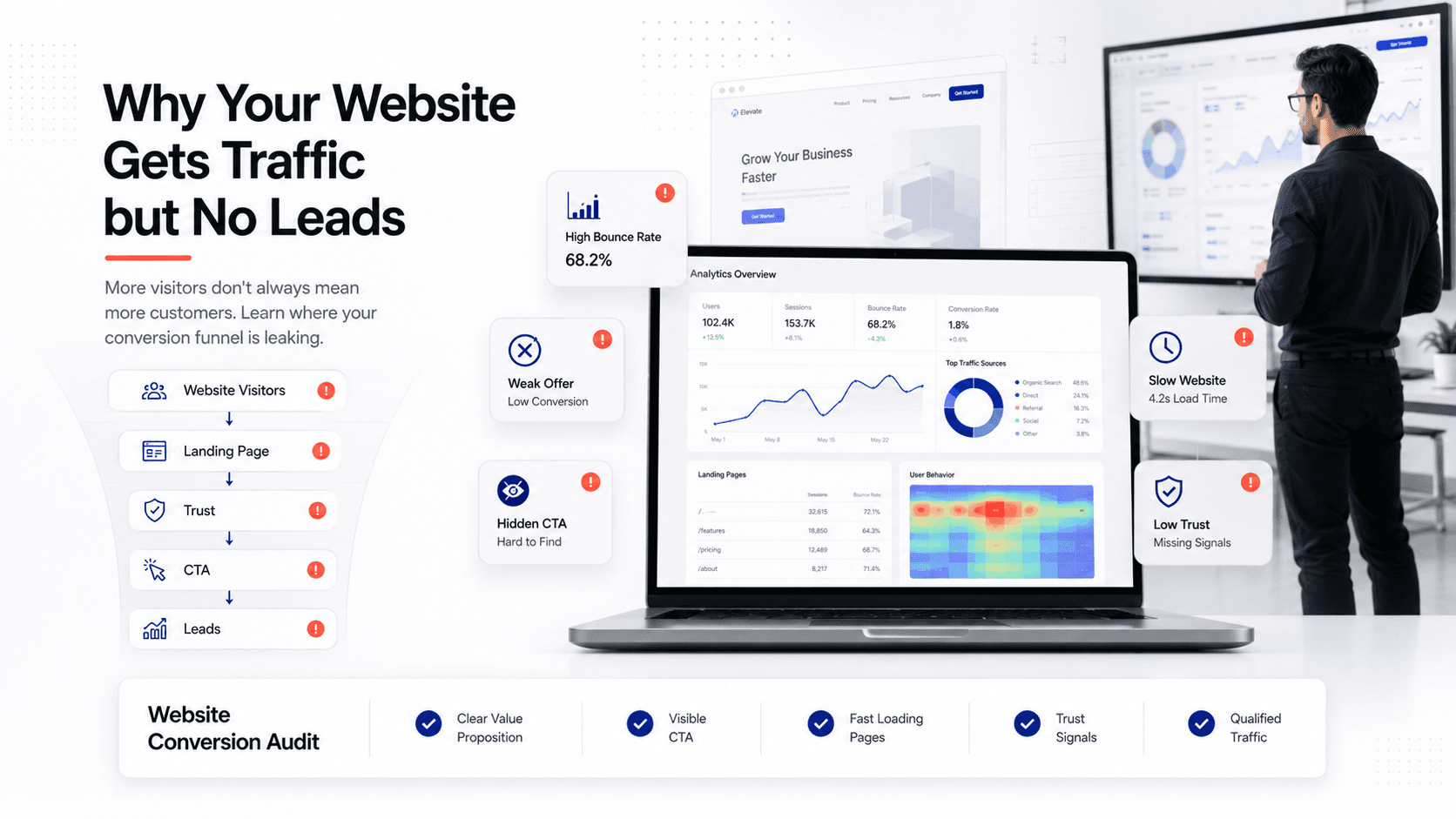
Website Traffic but No Leads? 7 Reasons and How to Fix Them
Visitors arrive, the inbox stays quiet. Here are the seven real reasons traffic doesn't turn into enquiries, an afternoon checklist to find yours, and the fix order.