How to Calculate AI Automation ROI (With a Worked Example)

"It'll save us loads of time" is how most automation projects get pitched, and it's not a business case. Nobody can approve a budget against "loads". What you need is a number of hours, a value for those hours and a date by which the build has paid for itself. That's all AI automation ROI really is, and you can work it out on the back of an envelope.
The short answer: add up the hours a month a task takes, multiply by the share automation can realistically handle, and value those hours at what your team's time actually costs. Divide the build cost by that monthly saving and you have your payback period in months. Below is the exact formula our calculator uses, a worked example with two ordinary tasks, and an honest look at when the numbers say don't bother.
The AI Automation ROI Formula
In plain words, for each task you're thinking of automating:
Take how many times it happens a week, and multiply by 4.33, the average number of weeks in a month.
Multiply by the minutes it takes each time, and divide by 60. That's hours a month.
Multiply by the share you can automate. This is the step people skip. Automation rarely removes a task completely; usually a person still checks the output or handles the odd case, so 60 or 70 percent is a more honest figure than 100.
As one line of maths:
Hours saved a month = times a week × 4.33 × minutes each ÷ 60 × share automated
Add up the hours across your tasks, multiply by your team's hourly cost (salary plus overheads, not just the wage) and you have the monthly saving. Then payback in months = build cost ÷ monthly saving.
If you'd rather not do it by hand, our free AI Automation ROI Calculator runs exactly this formula. List your tasks, set the share for each, enter your hourly cost and a build budget, and it shows hours saved, money saved a month and a year, and the payback time. The budget starts at our starting price for an AI automation build, and you can change it to any quote you've been given.
A Worked Example With Two Everyday Tasks
Say you run a services business and two jobs eat into someone's week. These figures are an example, not a promise, and deliberately modest.
Task one: quote follow-up emails
Around 30 a week, about 6 minutes each to look up the quote, write a sensible note and send it. A person should still glance at each one before it goes, so call it 60 percent automatable.
30 × 4.33 × 6 ÷ 60 = 12.99 hours a month of follow-ups. At 60 percent, that's 7.8 hours a month saved.
Task two: chasing unpaid invoices
Around 10 a week, 15 minutes each once you count checking the payment, finding the contact and writing the reminder. These follow clearer rules, so 70 percent.
10 × 4.33 × 15 ÷ 60 = 10.8 hours a month. At 70 percent, that's 7.6 hours a month saved.
Putting a value on it
Together that's about 15 hours a month, or a little under 4 hours a week. Now the money. Say your team's time costs $40 an hour including overheads, and the build costs $5,999, our starting price for AI automation and agents. Run through the calculator, that gives:
Saving: $615 a month, or $7,378 a year
Payback: 9.8 months
If your hourly cost is closer to $25, the same two tasks save $384 a month and payback stretches to 15.6 months. That's the honest picture: two tasks, at modest volume, is a reasonable project but not an obvious one.
Now add a third task of the same kind. Say someone updates the CRM after each sales call, 20 times a week at 5 minutes, 80 percent automatable. That adds 5.8 hours, taking the total to 21 hours a month, $846 a month at $40 an hour, and payback down to 7.1 months. It's why we look for clusters of similar tasks: once the plumbing between your inbox, CRM and accounting tool exists, each similar task costs little extra to add.
You may have read elsewhere on this blog about teams saving 20 or more hours a week. That figure comes from automating many workflows at once. Two tasks won't get you there, and a business case shouldn't pretend they will.
If you want a simple ROI percentage for a board or a bank, the usual formula is (first-year saving minus cost) ÷ cost. Here that's ($7,378 − $5,999) ÷ $5,999, or about 23 percent in the first year, before running costs. Payback in months is usually easier for an owner to judge, so that's what we lead with.
Customer Messages: Working Out WhatsApp Chatbot ROI
Customer messages need a slightly different sum, because there are two kinds of value: staff time spent answering the same questions, and sales lost because nobody replied in time.
Staff time is messages a day × 30 days × the share that are repeated questions × minutes per reply ÷ 60. Leads at risk are the monthly messages that arrive after hours × the share that are sales enquiries × the share who go elsewhere before you reply. Their value is that number × your close rate × your average sale.
Take a hypothetical clinic or rental business getting 25 WhatsApp messages a day. Half are repeated questions about prices and availability, at 3 minutes a reply, and staff time costs $20 an hour. Of all messages, 30 percent arrive after hours, 30 percent of those are booking enquiries, and 1 in 4 of those goes elsewhere before anyone answers. It closes 20 percent of enquiries at an average sale of $150.
Staff time: about 19 hours a month, worth $375
Leads at risk: about 17 a month, worth $506
Total: $881 a month
Notice the lead side is bigger than the time side here. That's common when the average sale is high, and it's why after-hours replies are often the best place to start. But treat the lead figure with more suspicion than the hours, because every input is a guess until you measure it. Against our AI chatbot starting price of $2,499, staff time alone would cover the build in under seven months; the leads are a bonus if they turn up.
Plug your own numbers into the WhatsApp Chatbot ROI Calculator, and see our guide to WhatsApp chatbots for sales and support for what a good one should and shouldn't do.
What the Formula Leaves Out
The calculation counts hours. Some of the best gains don't show up as hours at all:
Speed to lead. A follow-up that goes out in five minutes instead of the next afternoon wins work a slower competitor loses.
Fewer mistakes. Wrong amounts on invoices and forgotten follow-ups cost money and goodwill, and a well-built automation doesn't get tired on a Friday.
Better use of good people. Nobody joined your company to copy numbers between tabs.
It also leaves out costs, and these you must add before you trust the payback figure. The calculator compares the build cost with the gross monthly saving, so take these off yourself:
Running costs. AI model usage, automation platform subscriptions and, for WhatsApp, Meta's fees for some message types.
Maintenance. Connected tools change, and so do your processes. Budget for small fixes.
Your team's time during setup. Someone has to explain the process, check the first outputs and flag what's wrong.
Back to the two-task example: if running costs came to $100 a month, the net saving drops to about $515 and payback moves from 9.8 months to about 11.7. Still worth knowing before you sign anything.
When AI Automation Isn't Worth It
We'd rather tell you not to automate something than build a project that never pays back. These are the usual reasons we'd say wait.
The task is rare. Tedious and expensive aren't the same thing. A one-hour weekly report, 80 percent automatable, comes to about 3.5 hours a month. At $40 an hour that's $139 a month, and a $5,999 build would take 43.3 months to pay back. Your reporting tool's built-in scheduling might do the job for free.
It needs judgement every time. Pricing an unusual job, handling an upset customer, deciding who to hire. AI can draft and summarise for these, but the decision is the work, and that's where your people earn their salary.
The process is broken or keeps changing. Automating a messy process gets you the same mess, faster. If three people do the task three different ways, agree on one way first. If it changed twice last quarter, wait until it settles.
Our rule of thumb: if honest inputs put payback much beyond 18 months, either look for more tasks of the same kind to bundle in, or leave it for now. A low result isn't a failure. It's the calculator saving you from a project you'd regret.
How to Start: One Task, Measured
Track for a week. Ask the team to tally the repetitive jobs and roughly how long each takes. Guesses are almost always too low for small, frequent tasks.
Pick one. High volume, clear rules, done the same way by everyone. That's your first candidate.
Write down the before number. Hours a week, and anything else you can count, like average reply time or invoices paid late.
Build it with a person approving the output at first. Loosen that as trust builds.
Measure after a month, against the before number, then add the next similar task.
If you're not sure which task to pick, our list of the top AI automation workflows for small businesses is a good shortlist to check yours against.
Frequently Asked Questions
How do you calculate the ROI of automation? For each task, multiply the times it happens a week by 4.33 and by the minutes it takes, divide by 60 for hours a month, then multiply by the share you can automate. Value those hours at your hourly cost including overheads, and divide the build cost by that monthly saving to get the payback period.
What is a good payback period for automation? There's no official benchmark. Our view is that under 12 months on honest inputs, after running costs, is comfortable for most owners, and anything much beyond 18 months needs more tasks bundled in to make sense.
Which tasks are best to automate first? Frequent, rule-based tasks with clear inputs: follow-up emails, invoice reminders, copying data between tools, routing new leads and first replies to common questions. Leave anything that needs judgement for later.
How much does AI automation cost? With us, AI automation and agent builds start from $5,999, AI chatbots from $2,499 and custom AI tools from $4,999. On top of the build, plan for running costs such as AI usage and software subscriptions, which vary with volume.
Will automation replace my staff? The way we build it, automation takes the repetitive layer of a job away, not the job. The people who used to chase invoices spend that time on the conversations and decisions that need a person.
Keep reading
How Much Time Does AI Automation Save? The Real Maths Behind a 20-Hour Week
Top 10 AI Automation Workflows Every Small Business Should Implement in 2026
Save Time With AI Agents: How We Saved 20+ Hours a Week (and What We'd Do Differently)
Want to See What Your Own Numbers Say?
Our experienced team builds AI automations and agents and AI chatbots that connect the tools you already use. We'll tell you which tasks are worth automating and which aren't, even if that means a smaller project.
More posts
All posts →
Save Time With AI Agents: How We Saved 20+ Hours a Week (and What We'd Do Differently)
The three admin tasks we handed to AI agents, how we got back 20+ hours a week, what broke along the way, and a step-by-step you can copy in your own business.
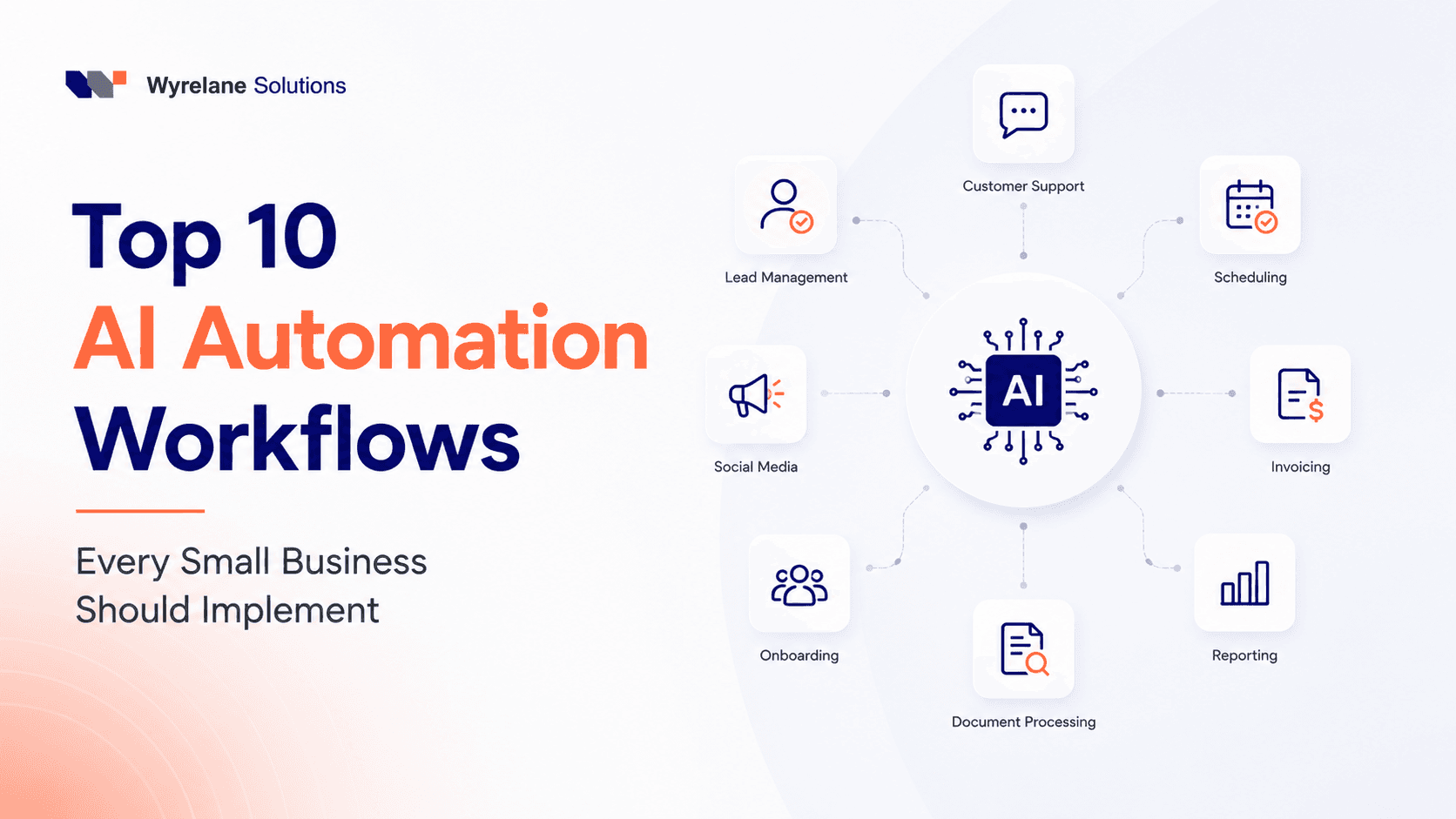
Top 10 AI Automation Workflows Every Small Business Should Implement in 2026
You don't need a dev team or a six-figure budget to put AI to work in your business. Here are the 10 automation workflows small businesses are actually using right now to save hours every week, plus the mistakes that quietly waste all the time savings.

How Much Time Does AI Automation Save? The Real Maths Behind a 20-Hour Week
A task-by-task worked example: how a six-person service firm gets about 21 hours a week back from AI automation, why others get 4, and how to measure your own.