WhatsApp Chatbot for Business: Sales, Support, Costs and Rules (2026 Guide)
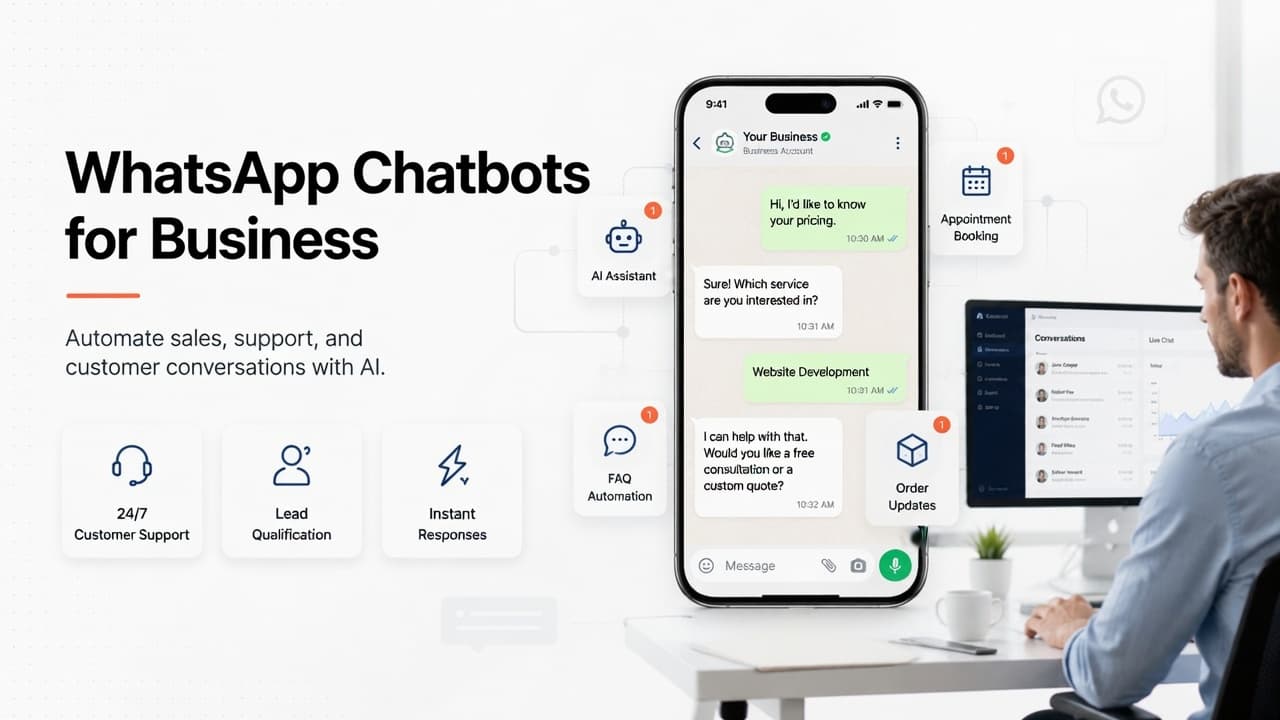
It's 11:30 pm and someone has just asked your business on WhatsApp for a price, a recommendation and a time to come in. Nobody on your team will see it until morning, and by then they've probably asked two of your competitors the same thing.
A WhatsApp chatbot for business exists to answer that message while the customer is still holding the phone. The short version: a well-built bot answers your repeated questions from your own content, collects what a salesperson needs, books appointments, shares order status and hands anything tricky to a person with the context attached. To run one properly you need the WhatsApp Business Platform (the API), not the free Business app. Meta charges per message for most messages your business sends, you need the customer's opt-in, and outside a 24-hour window after their last message you can only send pre-approved templates. A custom chatbot trained on your content starts from $2,499 with us, plus Meta's message fees and a small monthly running cost.
What a WhatsApp chatbot for business can (and can't) do
Most business inboxes are dominated by a handful of questions: how much, are you open, do you have it in stock, can I book, where's my order. A modern AI chatbot reads what the customer actually wrote, finds the answer in your price list, policies and FAQs, and replies in plain language.
The good ones answer from your own material, not from the model's general knowledge. The technique is called retrieval: before replying, the bot searches your documents and builds its answer from what it finds. That stops it inventing a refund policy you don't have.
What it shouldn't do is just as important:
- Handle complaints, negotiate or make exceptions on its own. An angry customer wants a person, and judgment belongs to your team.
- Pretend to be human. Customers forgive a helpful bot. They don't forgive being fooled.
- Give medical, legal or financial advice. It can book the appointment. It shouldn't replace it.
- Message people who never asked to hear from you. WhatsApp's rules forbid it.
WhatsApp Business app vs API: which one do you need?
Meta offers two products, and the difference decides whether a chatbot is possible at all.
| WhatsApp Business app | WhatsApp Business Platform (API) | |
|---|---|---|
| Cost | Free to download and use | Meta charges per message for most messages you send |
| Who replies | One person or a few, by hand, on phones | A chatbot, several agents, or both, through software |
| Automation | Quick replies, greeting and away messages | Full chatbots, AI replies, automated notifications |
| Connections | Catalog and labels inside the app | Your CRM, booking system, store, help desk |
| Best for | Low volume, owner-run businesses | Dozens of messages a day or more, or after-hours demand |
Our advice: if you get a handful of messages a day and someone can usually answer within the hour, stay on the free app and set up quick replies, a greeting message and an away message properly. Move to the Business Platform when the volume, the after-hours gap or the need to connect to other systems makes the app the bottleneck.
How WhatsApp chatbot cost works on Meta's side
Your total cost has three parts: building the bot, Meta's message fees, and the monthly cost of running it (hosting and AI usage). If you go through a provider for Platform access, check whether they add their own fee on top.
Here is how Meta's part works, according to its pricing documentation as of October 2026:
- Meta charges per message, not per conversation. This replaced the older conversation-based model on 1 July 2025.
- Only messages from your business are charged, and only when they're delivered. Messages customers send you are free.
- Messages fall into categories: marketing, utility (order and account updates), authentication (one-time codes), service (normal replies inside the 24-hour window), and a separate category for bots running on Meta's own AI agent platform.
- Service replies: each business phone number gets 1,000 free service messages a month, which reset monthly and don't roll over. From the 1,001st, they're charged. This changed on 1 October 2026; before that, service replies were free without a limit.
- Utility messages sent in reply to a customer were free from July 2025 and became chargeable again from 1 October 2026.
- Click-to-WhatsApp ads open a free entry point window of up to 7 days, during which marketing, utility, authentication and service messages to that person aren't charged.
- Rates depend on the recipient's country and the message category, and utility and authentication messages get volume tiers.
We're deliberately not quoting per-message rates here. They vary by market, Meta changed 40 of them on 1 October 2026 alone, and the current rate card is in Meta's WhatsApp Business Platform pricing documentation. Check it for the countries your customers are in before you budget.
The practical point: a support bot that mostly replies to incoming questions is cheap to run on Meta's side, especially within the first 1,000 service replies a month. Marketing broadcasts are where the bill grows.
The WhatsApp rules that shape every chatbot
These rules come from Meta's WhatsApp Business Policy and Platform documentation.
Opt-in comes first
You can only message people who gave you their number and agreed to hear from you on WhatsApp. The opt-in must say clearly that they're agreeing to messages from your business, by name. A customer messaging you first lets you reply; it doesn't give you permission to start sending them promotions.
The 24-hour customer service window
When a customer messages you, a 24-hour window opens, and it resets each time they message again. Inside it, your bot or your team can send normal free-form replies. Once it closes, the only thing you can send is a template.
Templates need Meta's approval
A template is a pre-written message, with gaps for names, dates or order numbers, that Meta reviews before you can use it. Review can take up to 24 hours. Templates are how you send appointment reminders, shipping updates, payment links and marketing messages outside the window.
There must be a way to reach a person
Meta's policy allows automation inside the 24-hour window but requires "prompt, clear, and direct escalation paths" to a human.
Quality affects what you can send
Customers can block or report you, and Meta may limit how many messages you can send based on that feedback. Opt-out requests have to be honoured, on or off WhatsApp. One careless broadcast can cost you sending capacity.
One 2026 change: Meta's Business Solution Terms now bar AI providers from offering a general-purpose AI assistant over WhatsApp as the main product. A bot that supports your own customers is the incidental use the terms still allow.
WhatsApp chatbot for sales: use cases that pay
On the sales side, the money is in speed and in not starting every conversation from zero.
- Qualifying enquiries. The bot asks what they need, roughly when, and anything else your team always asks first (budget range, location, dates, group size). Your salesperson starts with the facts.
- Answering the pre-purchase questions. Prices, availability, sizes, delivery areas.
- Booking without the back-and-forth. Connected to your calendar, it offers real slots, confirms one and sends a reminder template the day before.
- Answering ad traffic. A Click-to-WhatsApp ad lands people in a chat with a bot ready to reply, inside the free entry window.
If your enquiries come from a website that isn't converting, the bot can only help so much. Our post on why your website gets traffic but no leads covers the problems a chatbot won't fix.
WhatsApp customer support automation that customers don't hate
Support is where most of the hours go. Order status ("where's my order?") is the classic example: a bot connected to your store or order system looks it up and replies in seconds. Return policies, opening hours and "can you resend my invoice?" work the same way.
The test we use: if a new staff member could answer it from your documentation on their first day, a bot can probably answer it too. If it needs someone who knows the customer's history and can make a call, it goes to a person. Our post on AI automation workflows every small business should set up has more examples beyond WhatsApp.
Handing over to a human without losing the customer
The handover is where most chatbots fail.
- Give a clear way out. A "talk to a person" button or keyword, offered early, not hidden after three failed answers.
- Hand over on the right triggers: the customer asks for a person, the bot can't find the answer, the message sounds upset, or it's a high-value sale.
- Pass the context. Your agent sees the whole chat and what the bot collected, so the customer never repeats themselves.
- Set honest expectations out of hours. "Our team is back at 9 am and will pick this up first" beats leaving someone waiting with no reply.
- Keep the bot quiet while a person is in the chat.
Is it worth it? A worked example with our ROI calculator
Here's a hypothetical. Say a dental clinic gets 50 WhatsApp messages a day. Half are repeated questions (prices, hours, "do you take my insurance?") and each takes 2 minutes to answer, at a staff cost of $15 an hour. 30% arrive after hours, 40% of those are people wanting to book, and a quarter of them go elsewhere before anyone replies. The clinic closes 30% of booking enquiries, at an average of $200 each.
Run through our WhatsApp chatbot ROI calculator, those inputs give:
- Staff time: 1,500 messages a month, 25 hours of repeated replies, worth $375 a month.
- Leads at risk: 45 after-hours booking enquiries a month lost to a slow reply, worth $2,700 at the clinic's close rate and average sale.
- Total: $3,075 a month, or $36,900 a year.
The lead side outweighs the staff time by a wide margin, which is why after-hours replies are usually the best place to start. The result also swings on one input: drop "lost to a slow reply" from 25% to 10% and the monthly total falls to $1,455. The calculator only uses what you enter, with no hidden uplift, and it can email you the full report to share with a partner.
If you'd rather have someone check these numbers against your actual inbox, our experienced team can look at a week of your messages and tell you what a bot would realistically take on. That's part of every AI chatbot project we scope. For the wider picture of where automation saves time, see how AI automation saves small businesses 20+ hours a week.
How to launch a WhatsApp chatbot, step by step
- Read a week of your messages. Tag each one: repeated question, sales enquiry, support issue, needs a person. That shows what to automate and gives you real calculator inputs.
- Pick three to five jobs for version one. Usually top repeated questions, booking and order status.
- Gather the content the bot answers from. Price list, policies, FAQs, service descriptions, opening hours. Fix anything out of date first.
- Get Business Platform access and a number. Directly through Meta or an approved provider.
- Set up opt-in. Add a clear WhatsApp opt-in to your website forms and checkout, naming your business.
- Write and submit your templates. Reminders, order updates, follow-ups.
- Design the handover. Who picks up chats, in which tool, during which hours, and what the bot says out of hours.
- Connect your systems. Calendar, CRM, store or help desk, only for the jobs you chose in step 2.
- Test with real questions. Use the messages from step 1, including the awkward ones.
- Launch, then read the transcripts weekly. Add content for whatever it couldn't answer. Bots nobody reviews get worse.
A typical WhatsApp chatbot covering a few topics takes us about 3 to 4 weeks to build and launch. Deeper connections to stock, payments or back-office systems take longer and are closer to our AI automation and agents work, which starts from $5,999.
These are general timelines and prices for typical projects, not a quote. For an exact timeline, quote and pricing, book a free consultation.
Frequently Asked Questions
How much does a WhatsApp chatbot cost? A custom WhatsApp chatbot trained on your content starts from $2,499 to build with us. On top of that come Meta's per-message fees (which depend on message category and your customers' country) and a small monthly running cost for hosting and AI usage.
Can I build a WhatsApp chatbot with the free WhatsApp Business app? Not a real one. The app gives you quick replies, greeting messages and away messages. Automated AI replies, several agents and connections to your CRM or booking system need the WhatsApp Business Platform (the API).
Are WhatsApp Business API messages free? Messages customers send you are free. Since 1 October 2026, each business number gets 1,000 free service replies a month, then they're charged. Marketing, utility and authentication messages are charged per message, except inside a free entry point window opened by a Click-to-WhatsApp ad.
What is the 24-hour rule on WhatsApp? When a customer messages you, a 24-hour customer service window opens and resets each time they message again. Inside it you can send normal replies. Outside it you can only send templates that Meta has approved.
Can a WhatsApp chatbot send marketing messages? Yes, using approved marketing templates and only to people who opted in to hear from your business. They're charged per message.
Will a WhatsApp chatbot replace my support team? No, and WhatsApp's own policy requires a clear path to a human. It takes the repeated questions off your team so they can spend their time on the conversations that need judgment.
Keep reading
- How Much Time Does AI Automation Save? The Real Maths Behind a 20-Hour Week
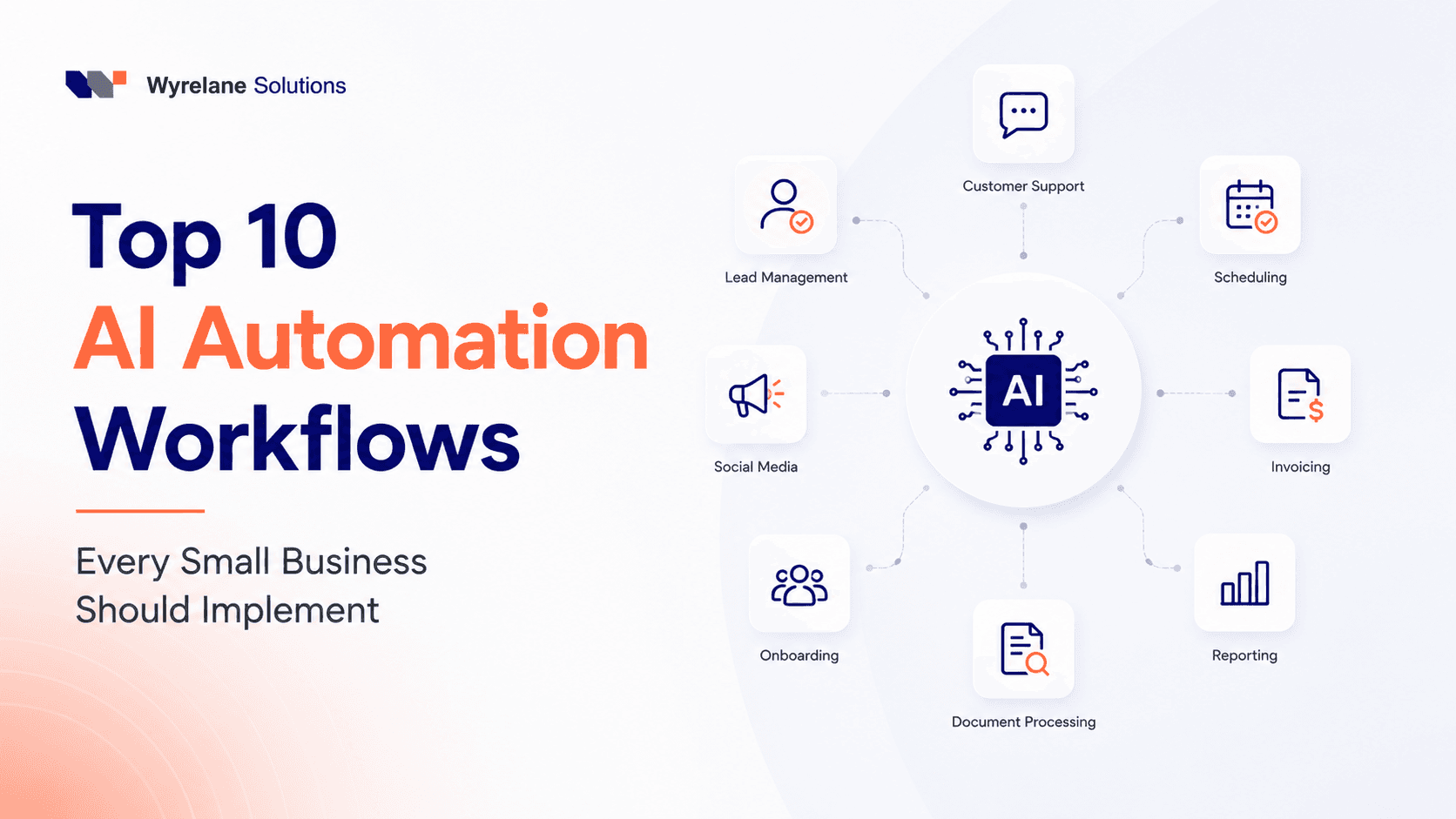
- Top 10 AI Automation Workflows Every Small Business Should Implement in 2026
- How to Calculate AI Automation ROI (With a Worked Example)
Want a WhatsApp chatbot that knows your business?
We build WhatsApp and website chatbots trained on your own content, with the opt-in, templates and human handover set up properly from the start. That's our AI chatbot development service.
If the bot also needs to act on your systems, checking stock, updating your CRM or chasing invoices, our AI automation and agents team builds that layer too.