
How We Saved 20+ Hours Per Week Using AI Agents (And What We'd Do Differently)
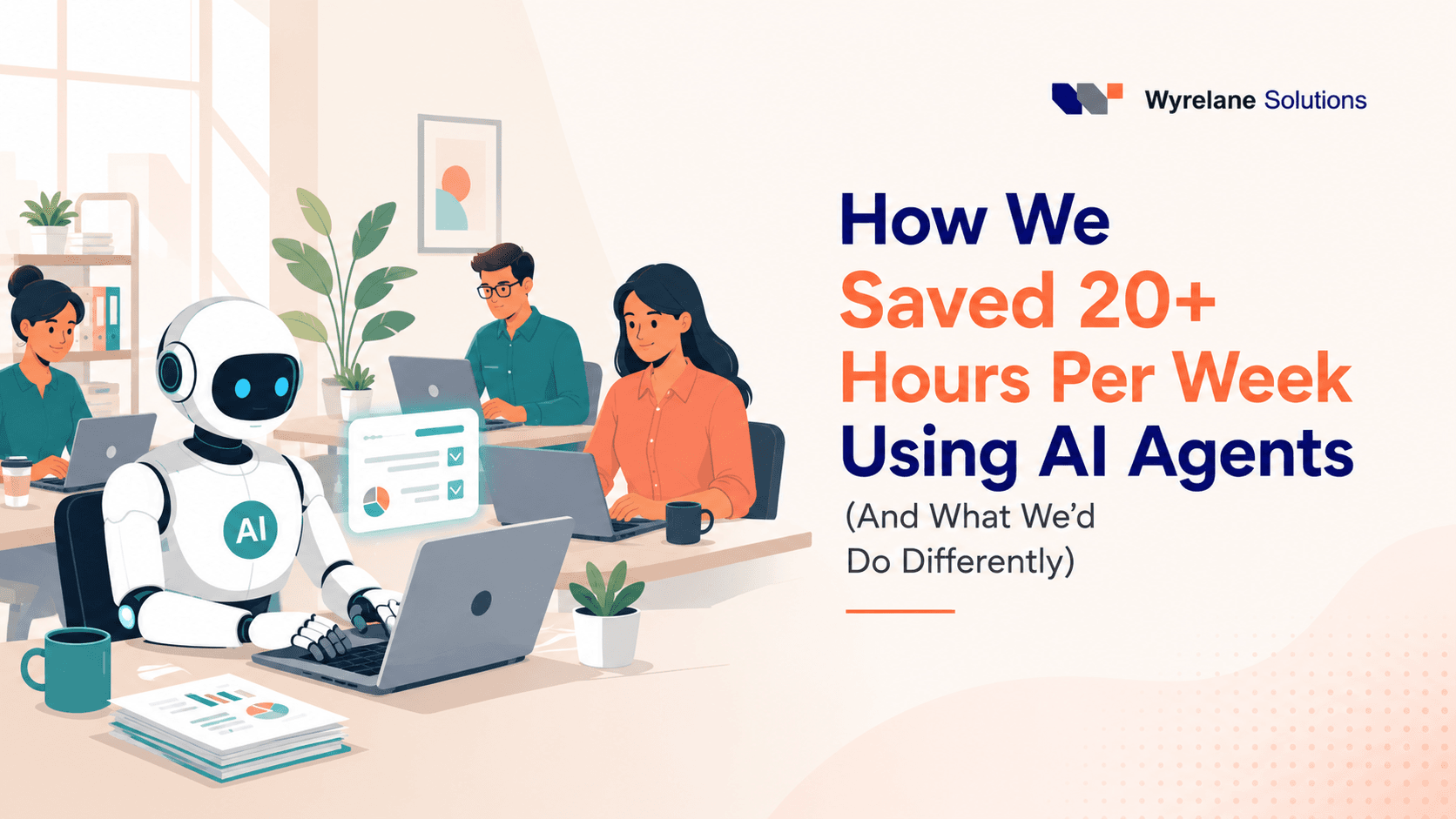
How We Saved 20+ Hours Per Week Using AI Agents (And What We'd Do Differently)
Six months ago, our team was stuck in that exhausting loop a lot of small businesses know too well. Every day felt productive on paper: inboxes cleared, reports sent, meetings attended, but somehow nothing important actually moved forward. We were busy. We just weren't getting anywhere.
Then we started experimenting with AI agents, not as some big strategic initiative, but out of pure frustration. One of our team leads got tired of manually pulling data for weekly reports and asked, half-joking, "Can't something just do this for me?" Turns out, yes. And that small question ended up saving us more than 20 hours a week across the team.
This isn't a polished case study written by someone who's never touched the actual work. It's what we actually did, what broke, and what we'd tell you to skip if you're thinking about doing the same.
The problem wasn't laziness — it was repetition
Before we touched a single AI tool, we did something most teams skip: we tracked our time for two weeks. Not to police anyone, just to see where the hours were actually going.
The results were humbling. Nearly a third of our combined work hours were going into tasks that required almost no real thinking: copying data between spreadsheets, writing the same types of emails with slightly different names swapped in, summarizing meeting notes, chasing status updates from three different tools just to compile one report.
None of that work was hard. It was just endless. And endless, low-thought tasks are exactly what AI agents are good at taking off your plate.
Where we actually started
We didn't roll out AI agents everywhere at once. That would've been chaos. Instead, we picked the three most repetitive, most hated tasks on the team and built around those first.
1. Client status reports
Every Friday, someone had to manually pull updates from our project management tool, our CRM, and a couple of Slack channels, then format it all into a report for clients. It took roughly 90 minutes per client, and we had eleven active clients at the time. Do the math, that's over 16 hours a week just on reporting.
We set up an AI agent that pulls the relevant updates automatically, drafts the report in our house style, and flags anything that looks unusual or incomplete for a human to check before sending. The person who used to spend their entire Friday on this now spends about 20 minutes reviewing and approving.
2. Inbox triage and first-draft replies
Our support inbox was a mess of repeated questions, pricing, onboarding steps, and "where's my invoice." We set up an agent to read incoming messages, categorize them, and draft a first response based on our knowledge base. A human still reviews and sends every single reply. We were never comfortable letting a bot talk to customers unsupervised, and honestly, we still aren't fully there.
3. Meeting notes and follow-ups
This one felt small but added up fast. After every internal meeting, someone had to write up notes and chase people for action items. Now an agent transcribes the call, pulls out decisions and owners, and sends a summary automatically. Nobody misses a task anymore because "I forgot to write it down."
What actually surprised us
Honestly, the time savings weren't the biggest surprise. We expected that. What caught us off guard was how much mental energy came back to the team once the repetitive stuff disappeared.
People stopped ending their day feeling like they'd run a treadmill. One of our designers put it well: "I used to feel tired from nothing. Now when I'm tired, it's because I actually did something."
We also got faster at noticing problems. Because the agent flags anything unusual in the reports instead of just blindly generating them, we've caught client issues earlier than we used to when a tired human was skimming numbers at 4 pm on a Friday.
The mistakes are worth mentioning
We'd be lying if we said this went perfectly.
Early on, we let an agent send client emails without review, thinking we'd save even more time. It sent a report with an outdated project name pulled from an old file, and a client noticed before we did. Nothing disastrous happened, but it was a clear reminder: agents are excellent at speed, not judgment. We keep a human checkpoint on anything client-facing now, and we're not planning to remove it.
We also underestimated setup time. People love talking about the hours saved; fewer people mention the hours it takes to actually configure these agents properly, writing clear instructions, testing edge cases, fixing weird outputs. It took us close to three weeks of trial and error before things ran smoothly. If someone tells you AI agents are "plug and play," they probably haven't used one on a real, messy workflow.
What we'd tell a team just starting out
If you're considering this, a few honest suggestions:
Start with the task everyone complains about the most. Not the most "impressive" use case, the one people actively dread. That's where the wins feel real fast, and where you'll get buy-in from your team instead of skepticism.
Keep a human in the loop wherever the output touches a client or a decision that matters. Speed is great. Speed without a safety net isn't.
Measure before and after. We only trust our "20+ hours saved" number because we actually tracked time before we started. Without that baseline, it's just a guess dressed up as a metric.
And give it a few weeks before judging it. The first attempts an agent makes at a task are rarely its best. Ours got noticeably better once we refined the instructions based on what actually went wrong the first few times.
Where we are now
Six months in, those 20 hours a week haven't gone toward doing more busywork faster; they've gone into the kind of work that actually needed a human brain in the first place. Strategy conversations that used to get pushed to "next week" happen on time now. People take actual lunch breaks. It sounds small, but it's changed how the whole team feels about the job.
We're not claiming AI agents fix everything. They don't write our strategy, they don't understand our clients the way we do, and they definitely need supervision. But for the repetitive, soul-draining parts of the job? They've earned their place on the team.
Thinking about trying this yourself?
Start small. Pick one task your team dreads every single week, track how long it actually takes right now, and look for a way to hand the repetitive part, not the judgment part, to an AI agent. You don't need a big rollout to get real hours back. You just need to start.
If you want help figuring out where AI agents could fit into your own workflow, drop us a message, we're happy to share what worked for us and what didn't.
More posts
All posts →
How AI Is Changing Ecommerce in 2026
The ecommerce experience customers expect in 2026 barely resembles what worked five years ago. AI search, AI agents, and predictive inventory aren't experimental anymore; they're quickly becoming the baseline. Here's what's actually changed, and what it means for businesses still catching up.
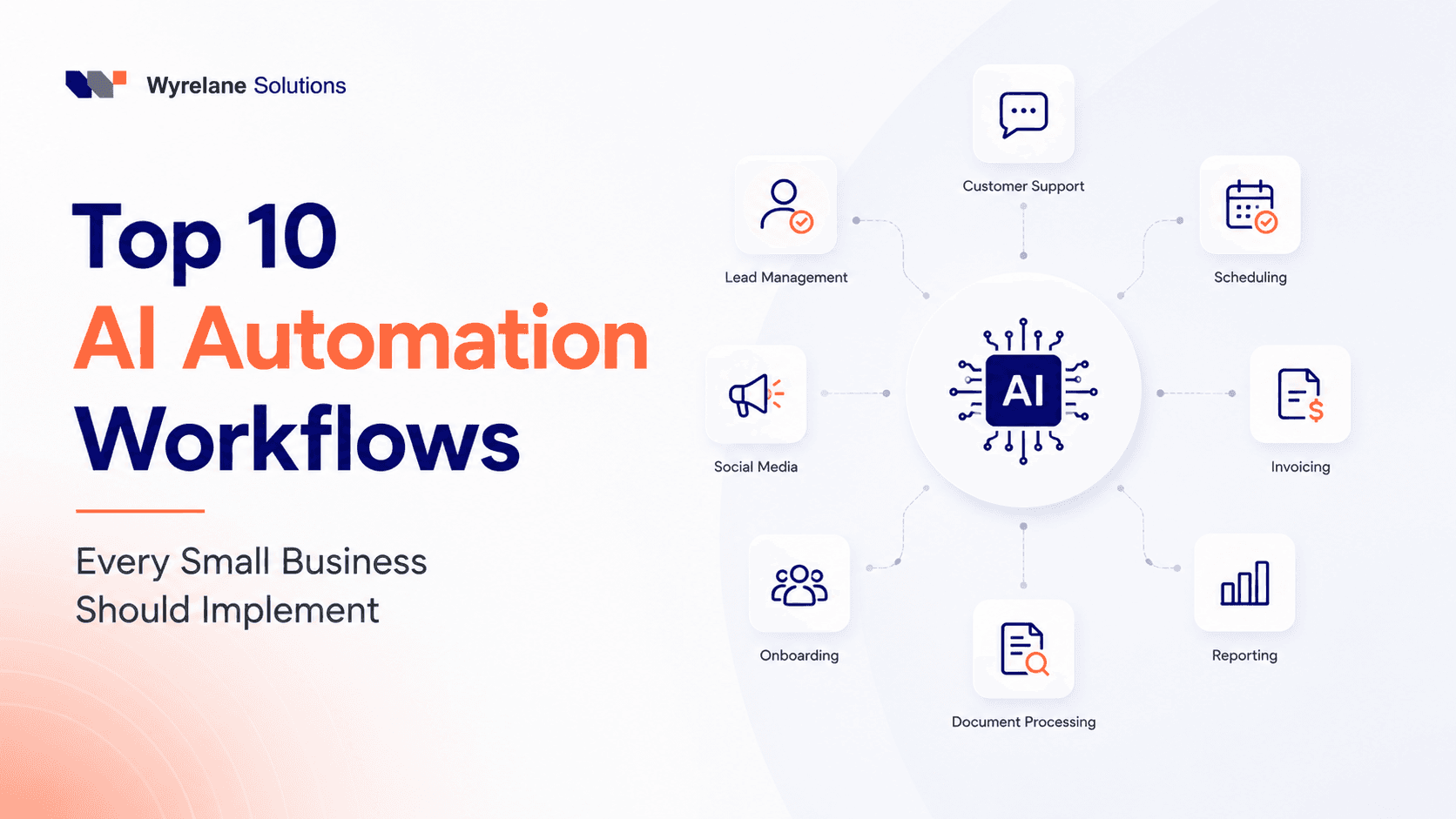
Top 10 AI Automation Workflows Every Small Business Should Implement in 2026
You don't need a dev team or a six-figure budget to put AI to work in your business. Here are the 10 automation workflows small businesses are actually using right now to save hours every week, plus the mistakes that quietly waste all the time savings.