How Much Time Does AI Automation Save? The Real Maths Behind a 20-Hour Week

Twenty hours a week is half of a full-time job. When someone says AI automation will hand that back to your business, the right response is to ask to see the working.
So here it is. How much time does AI automation save? It depends almost entirely on volume: how many times a week each repetitive task happens, how long it takes, and how much of it a machine can do without a person. In the worked example below, a hypothetical six-person service firm spends about 29.7 hours a week on nine routine admin tasks, and automation takes about 21 of them off its plate. A three-person consultancy doing the same kinds of tasks at lower volume gets about 3.9 hours back. Same tasks, very different numbers. Below is exactly how both were worked out, so you can run the same sums on your own week.
How much time does AI automation save? The formula behind every estimate
Every honest time-savings estimate comes from one line of maths. We use the same one in our free calculator:
Hours saved a month = times a week × 4.33 × minutes each ÷ 60 × share automated
The 4.33 is the average number of weeks in a month (52 weeks divided by 12 months). The share automated is the part people skip. Automation rarely removes a task completely. An AI can draft the reply to a new enquiry, but someone may still glance at it before it goes. So a task that takes ten minutes and is 70% automated saves seven minutes, not ten.
That input is where most inflated claims come from. Assume every task is 100% automated and any business can "save 20 hours". Set the share at what a careful person would trust a machine to do, and the number gets smaller and starts to mean something.
A worked example: AI automation time savings for a six-person service firm
Say a home renovation and maintenance company has six people: an owner, an office manager and four people out on jobs. It handles around 30 jobs a week. Enquiries come in through the website and email, visits are booked by phone and email, job details live in an inbox, a spreadsheet and an accounting tool, and the office manager pulls a numbers report together every Monday.
This business is made up, and the volumes are a plausible guess for a firm that size, not real company data. Here is what each task costs now and what automation would take off it:
| Task | Times a week | Minutes each | Share automated | Manual hours a month | Hours saved a month | Hours saved a week |
|---|---|---|---|---|---|---|
| Copying job details between inbox, spreadsheet and accounts | 60 | 5 | 85% | 21.7 | 18.4 | 4.25 |
| Booking and rescheduling visits | 30 | 10 | 70% | 21.7 | 15.2 | 3.5 |
| Creating invoices from finished jobs | 30 | 8 | 75% | 17.3 | 13.0 | 3.0 |
| First replies to new enquiries | 30 | 8 | 60% | 17.3 | 10.4 | 2.4 |
| Chasing overdue invoices | 12 | 15 | 70% | 13.0 | 9.1 | 2.1 |
| Weekly numbers report | 1 | 120 | 80% | 8.7 | 6.9 | 1.6 |
| Quote follow-up emails | 25 | 6 | 60% | 10.8 | 6.5 | 1.5 |
| Visit confirmations and reminders | 30 | 3 | 90% | 6.5 | 5.8 | 1.35 |
| Answering repeat questions ("when are you arriving?", "do you cover my area?") | 40 | 4 | 50% | 11.5 | 5.8 | 1.33 |
| Total | 128.5 | 91.1 | 21.0 |
So the firm spends about 128.5 hours a month (29.7 a week) on this work, and automating all nine tasks would save about 91 hours a month, or 21.0 hours a week. That is where the "20 hours a week" in our title comes from. It is a worked example with every input on the table, not a promise for every business.
Two caveats. It assumes all nine tasks are automated, which is a full programme of work, not a weekend project. And automations need looking after: if someone spends an hour a week checking the exceptions the system hands back, the net saving is closer to 20 hours. Still a lot. Just not 21 forever with no effort.
Want to see what your own week looks like? Our free AI automation ROI calculator uses this exact formula: add your tasks, how often they happen, how long they take and the share you would automate, and it shows the hours saved a month and a week, what those hours are worth at your team's cost, and how long a build would take to pay back. You can have the full report emailed to you to share with a partner or manager.
Why 20 hours a week is achievable for some small businesses and not others
Now take a three-person consultancy: two consultants and an assistant. Same kinds of tasks, much lower volume. Eight new enquiries a week, six calls to book, fifteen bits of data to copy between tools, four invoices to send or chase, one hour of reporting. Run the same formula with the same automation shares and it comes to about 16.9 hours a month, or 3.9 hours a week.
Nothing about the tools changed. The difference is three things the firm in the first example has and the consultancy doesn't:
- Volume. Hours saved scale directly with how often a task happens. Sixty data-entry jobs a week saves four times as much as fifteen.
- Sameness. The firm's jobs follow a pattern: enquiry, visit, quote, job, invoice. A consultancy's work is more varied, so less of it follows rules a machine can apply.
- Data that already lives in software. Automation moves information between tools. If job details are on paper or in someone's head, there is nothing to move until that changes.
So we'd be wary of anyone promising a fixed number of hours before seeing your task list. A busy, process-driven business with several people doing repeat admin can plausibly reach the high teens or twenties. A judgement-heavy practice may be looking at three to five hours a week, which can still be worth it with a smaller build.
Which tasks to automate with AI first: the ones that give the most hours back
Sort the table by hours saved and a pattern shows up. The top three tasks are not the most impressive ones. They are the dullest:
- Copying data between tools (4.25 hours a week). Five minutes at a time, sixty times a week. Nobody counts it because no single instance feels like work.
- Booking and rescheduling (3.5 hours a week). The back-and-forth of finding a slot, moving it, and confirming it again.
- Creating invoices (3.0 hours a week). Taking finished job details and turning them into a correct invoice in the accounting tool.
Those three alone save about 46.5 hours a month, or roughly 10.75 hours a week. That is half the total from a third of the tasks, and it is where we would start for a business like this one. They share a profile: high frequency, clear rules, inputs that are already digital, and low risk if one goes slightly wrong because someone reviews the output.
A simple rule for your own first task: multiply times a week by minutes each, and pick the biggest number among tasks where a mistake is easy to catch. That beats the task that sounds most "AI", usually a customer-facing one with a lower share and higher risk. For a longer list of what small businesses commonly automate, with how each workflow works, see our top AI automation workflows for small businesses.
If you'd rather have someone go through your task list with you, our experienced team does this mapping as the first step of every AI automation and AI agents project: we time the work, rank it by hours and risk, and build the top items first.
Where automation saves less time than people expect
Some tasks feel like big wins and turn out to be small on paper. Others save the hours but not in a form you can use. Five places where the gap usually shows up:
Customer replies need a person more often than you'd think. In the example, repeat questions are set at 50% and first replies at 60%, because a real person should still handle the unusual ones and check anything touching price or timing. A chatbot can answer "do you cover my area?" instantly, but the customer who wants to talk about a damp problem needs a human. If customer messages are your biggest load, a focused AI chatbot for the common questions is often a better first step than a broad automation project. Our guide to the WhatsApp chatbot for business covers how that hand-off to a person works.
The big weekly task is often smaller than it feels. The Monday report takes two hours and everyone hates it, yet automating it saves 1.6 hours a week, far less than the data copying nobody complains about.
Saved minutes are scattered. Four minutes saved forty times a week adds up to over two and a half hours, but it arrives as forty small gaps, not a free afternoon. The time only turns into something useful if the work it frees up is planned: more quotes sent, faster follow-ups, the owner out of the inbox.
Your share estimate can be off. If every automation share in the table were 20 points lower (85% becomes 65%, 50% becomes 30%, and so on), the total drops from 21.0 to 15.1 hours a week. Still worth having, but a different plan.
So can your minutes. People tend to guess task times from memory. If the real minutes in the example were half what the firm guessed, the saving would halve too, to about 10.5 hours a week. This is the main reason to measure before you build.
How to measure the hours AI automation actually saves
A time-savings figure is only as good as the baseline it started from. In our own write-up of how we saved 20+ hours a week using AI agents, the first step was tracking time for two weeks before touching any tool. Here is the process we'd suggest for any business:
- Count the volumes, don't guess them. Your inbox, booking calendar, CRM and accounting tool already record how many enquiries, bookings and invoices you handle. Take a normal four-week stretch and divide by four.
- Time a sample. For each task, time ten real instances with a phone timer and use the average. Include the switching: opening the right tab, finding the record, checking it.
- Set the share conservatively. Ask who would need to check each output and how long that check takes. Put that in as the part you are not automating.
- Run the numbers. Put your tasks into the automation calculator to see hours saved a month and a week, and rank tasks by hours saved.
- Measure again four weeks after launch. Count how many items the automation handled on its own, how many it passed to a person, and how long those checks took. Subtract the upkeep time, including fixing anything that broke.
The figure from step five is the one to trust. If it comes in well under the estimate, the usual causes are messy input data or a share set too high, both fixable before you automate the next task.
What it costs to get those hours back
Hours are half the decision. Our AI automation and AI agents builds start from $5,999, and a focused AI chatbot from $2,499. A business saving 21 hours a week and one saving 4 should not buy the same thing, which is why the calculator also takes your budget and team cost and shows the payback period. We work through the full formula, with two everyday tasks, in how to calculate AI automation ROI.
These are general timelines and prices for typical projects, not a quote. For an exact timeline, quote and pricing, book a free consultation.
Our general advice: if your own numbers come out under about three or four hours a week, fix the process first (fewer tools, one place for job data) and look again. If they come out in double figures, start with the top two or three tasks and build from there.
Frequently Asked Questions
How much time does AI automation save a small business? It depends on volume. In our worked example, a six-person service firm handling about 30 jobs a week saves about 21 hours a week by automating nine routine tasks, while a three-person consultancy with lower volume saves about 3.9 hours. Multiply times a week by minutes each and the share automated to get your own figure.
Is 20 hours a week a realistic saving? For a busy, process-driven business with several people doing repeat admin, yes, if most of that admin is automated. For a small or judgement-heavy business, three to ten hours a week is a more likely range. Any figure is only believable if it comes with the task list behind it.
What tasks should a small business automate with AI first? The ones with the highest times a week multiplied by minutes each, where mistakes are easy to catch: copying data between tools, booking and rescheduling, creating invoices and sending reminders. Customer-facing replies usually come later, with a person checking.
What are some small business automation examples? Moving form enquiries into a CRM, sending booking reminders, turning finished jobs into invoices, chasing overdue payments on a schedule, drafting first replies to common questions, and building a weekly report from tools you already use.
How do I calculate AI automation time savings? For each task: times a week × 4.33 × minutes each ÷ 60 × the share automated gives hours saved a month. Add the tasks up and divide by 4.33 for hours a week. Our free calculator does this for you.
Will AI automation replace my staff? In examples like the one above, no. It removes the repetitive part of a role, such as copying, chasing and confirming, and leaves the judgement, customer conversations and exceptions with your team. What changes is what those hours get spent on.
Keep reading
- Top 10 AI Automation Workflows Every Small Business Should Implement in 2026
- Save Time With AI Agents: How We Saved 20+ Hours a Week (and What We'd Do Differently)
- How to Calculate AI Automation ROI (With a Worked Example)
Want to Know How Many Hours Your Business Could Get Back?
This is the work we do every day at Wyrelane Solutions, through our AI automation and AI agents and AI chatbot services. We start with your task list and your volumes, not a generic package.
Bring your rough numbers, or the report from the calculator, and we'll go through which tasks are worth automating, which aren't yet, and what order to build them in.
Book a free consultation and we'll map where your team's hours are going, task by task.
More posts
All posts →
How to Calculate AI Automation ROI (With a Worked Example)
Hours saved, value per hour, payback in months: the AI automation ROI formula, worked through on two everyday tasks, plus when the numbers say not to bother.
Save Time With AI Agents: How We Saved 20+ Hours a Week (and What We'd Do Differently)
The three admin tasks we handed to AI agents, how we got back 20+ hours a week, what broke along the way, and a step-by-step you can copy in your own business.
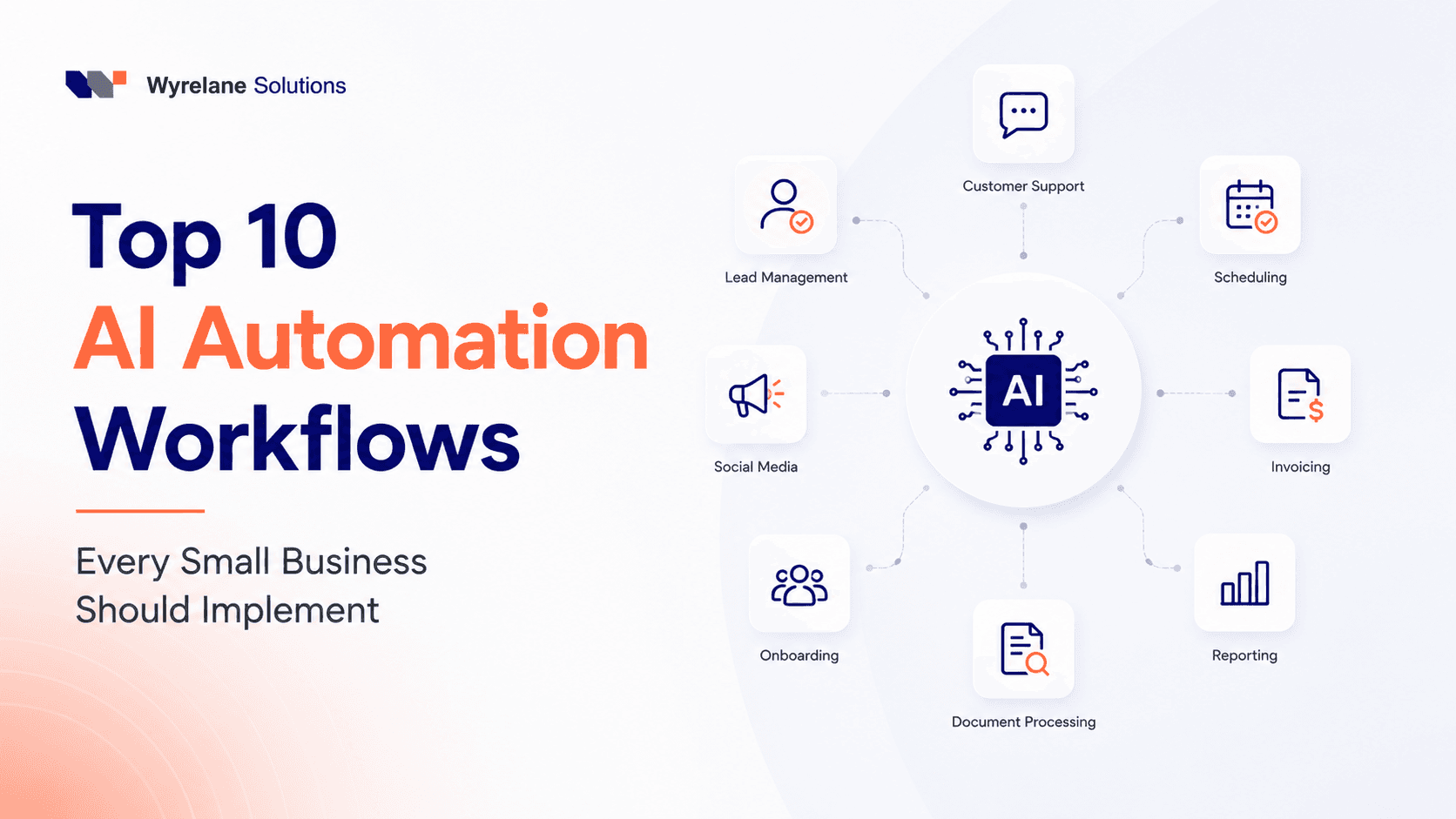
Top 10 AI Automation Workflows Every Small Business Should Implement in 2026
You don't need a dev team or a six-figure budget to put AI to work in your business. Here are the 10 automation workflows small businesses are actually using right now to save hours every week, plus the mistakes that quietly waste all the time savings.