The Hidden Costs of a Cheap Ecommerce Website (That Show Up Later)
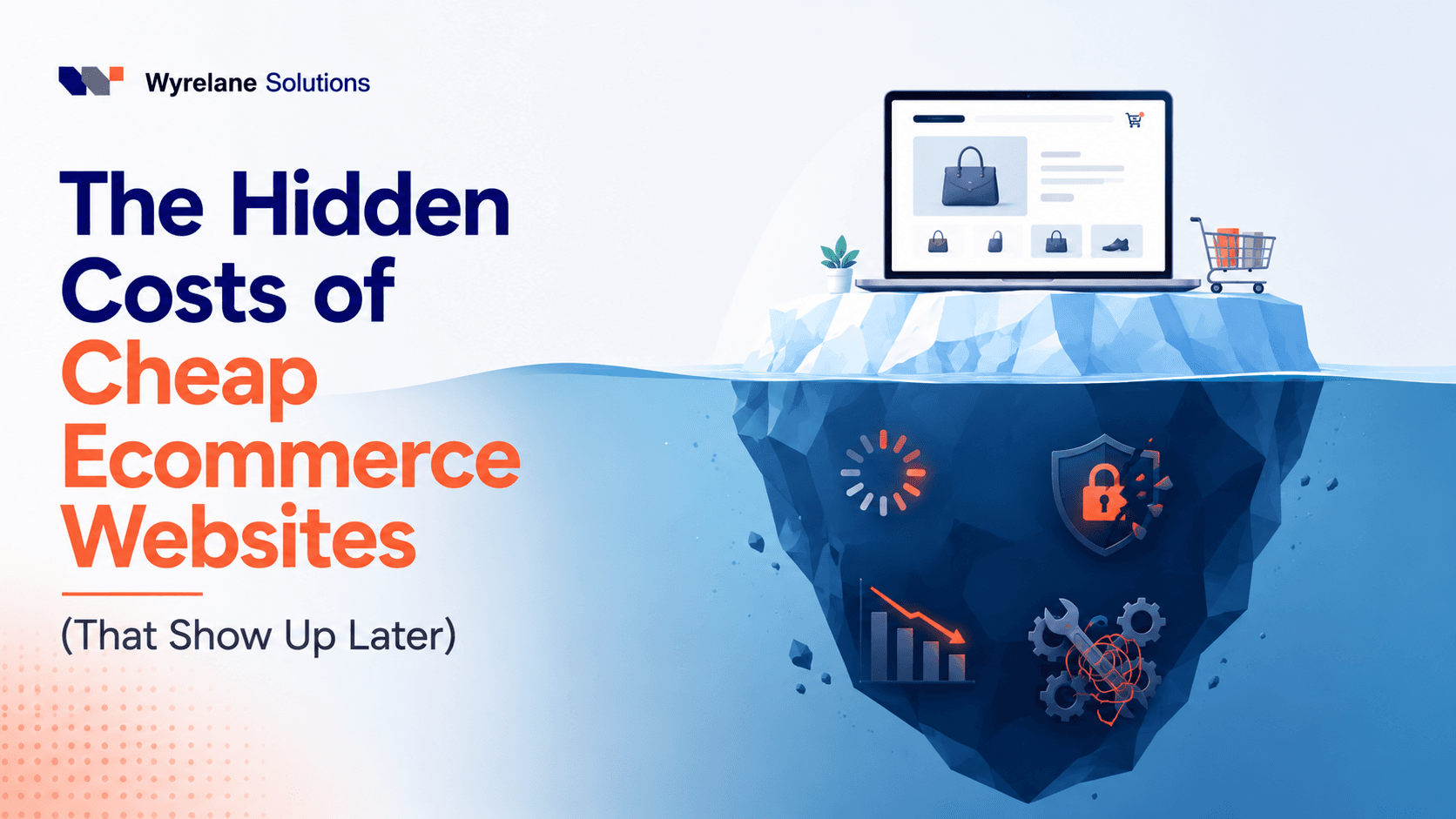
The $800 store quote rarely costs $800. By the time you've paid for the apps it needs, the fixes after each update, and the rebuild many cheap ecommerce websites end up needing within a year or two, the real bill is several times the quote, and that's before counting the sales a slow, clunky checkout never made.
Short answer: a cheap ecommerce website is worth it when you're testing an idea with low traffic and a handful of products. Once real visitors arrive, the cheap build tends to cost more than a properly built one, through monthly app subscriptions, slow pages, a checkout that loses buyers, missed security updates, missing product data for Google, no sales tracking, and an early rebuild. Below: where each cost comes from, a three-year comparison with the maths shown, questions to ask before you accept a cheap quote, and when cheap is fine.
Why the price of a cheap ecommerce website is only the first bill
A quote measures one moment: launch day. A store has to be hosted, updated, extended and found on Google for years after that, and none of those costs appear on a $500 to $1,500 quote from a template seller or a rushed freelancer.
The seller isn't necessarily hiding anything. A low price is reached by skipping work that only matters later: performance tuning, fewer and better apps, tracking, product data for search engines, and a store someone can maintain. Each skipped step becomes a cost you pay later, usually at a worse time.
The hidden costs of ecommerce websites built on the cheap
Seven costs show up again and again when we look at budget stores. Some arrive in the first month. The expensive ones take a year.
1. Slow pages, built in from day one
Budget stores are usually a generic theme plus a stack of add-ons: one for reviews, one for upsells, one for pop-ups, one for currency, one for SEO. Together they load scripts on every page, and the store gets heavy, especially on phones.
Google measures this with Core Web Vitals. A page is rated good when its main content appears within 2.5 seconds (Largest Contentful Paint), it responds to taps within 200 milliseconds (Interaction to Next Paint), and the layout doesn't jump around (Cumulative Layout Shift of 0.1 or less), judged on 75% of real visits. Cheap stores often miss these on mobile, and the fix is rarely a quick patch because the slowness comes from how the store was assembled. More on what that costs in Website Speed and Revenue: What a Slow Site Really Costs You.
2. App and plugin subscriptions that never stop
This is the cost people notice first, on their card statement. A cheap build keeps the setup fee low by filling gaps with paid apps, so every missing feature becomes a monthly fee.
Say a store runs six paid apps at $15 a month each: that's $90 a month, or $1,080 a year. Uninstalling an app doesn't always clean up after it either: leftover code can keep loading on your storefront long after you stopped paying.
If you're on Shopify, you can see this for yourself in a minute. Our free Shopify store audit lists every app it can see loading on your storefront (including leftovers from uninstalled ones), along with your mobile speed score, SEO basics, product structured data and checkout trust signals, with a fix for each. It flags stores loading more than 15 storefront apps, and it needs no login, only your store's address.
3. A checkout that loses buyers you already paid to attract
The checkout is where a cheap store's shortcuts cost the most per visitor, because the people reaching it already want to buy. Common problems we see: no express payment options, surprise shipping costs that appear only at the last step, forced account creation, refund and shipping policies that are hard to find, and pages that shift as scripts load.
None of these throws an error. Orders just don't happen, and without tracking (point 6) nobody knows why.
4. Security and updates nobody owns
Every ecommerce platform needs ongoing care. On WooCommerce, that means keeping WordPress, the theme and every plugin updated, plus backups and hosting that's patched. On Shopify, the platform handles hosting and core security (Shopify says its platform is certified PCI DSS Level 1, the card industry's highest standard, and that this covers every store by default), but apps and theme code are still your responsibility.
Cheap builds usually hand over a store with no plan for any of it. Updates get skipped because one broke checkout last time, and each skipped update leaves the store more exposed. The cost isn't only a possible hack; it's the emergency developer you hire on a weekend at whatever rate they charge.
5. Missing product structured data and weak SEO
This cost is the least visible and often the largest. Structured data is a small block of code that tells Google exactly what a product page contains. With Product structured data, Google can show a product's price, availability and ratings right in search results, including Google Images and Lens.
Budget themes often output this incompletely or not at all, alongside messy URLs, duplicate titles, oversized images and no sitemap submitted to Search Console. On that foundation, the SEO money you spend has a ceiling on what it can return.
6. No analytics, so every problem stays invisible
A store with no proper ecommerce tracking can't tell you where buyers drop off. Google Analytics 4 has standard ecommerce events for this (view_item, add_to_cart, begin_checkout and purchase), but they have to be set up and tested, and cheap builds rarely do it.
Without them you can't see that 200 people reached checkout and 12 bought. You only see low sales, and end up guessing at fixes or buying ads to fill a leaking bucket.
7. The rebuild within one to two years
Eventually the store hits a wall: too slow to fix without starting over, too fragile for the features you now need.
A rebuild isn't just a second build fee. It includes moving products, customers and order history, setting up 301 redirects from every old URL so you keep the search rankings you've earned, and retraining whoever runs the store. It usually lands at a busy time, because growth is what exposed the limits.
The cost of a cheap online store over three years: a worked example
Here's a simple total-cost-of-ownership comparison. Every number below is made up for illustration, not a quote or a typical price. Swap in your own figures.
Say a store gets 3,000 visits a month with an average order of $50. Store A comes from an $800 quote. Store B is built properly for $3,000.
| Cost over 3 years | Store A: cheap build | Store B: built properly |
|---|---|---|
| Initial build | $800 | $3,000 |
| Apps, years 1 and 2 | $90 a month x 24 = $2,160 | $40 a month x 24 = $960 |
| Emergency fixes, years 1 and 2 | $500 a year x 2 = $1,000 | Covered by maintenance |
| Maintenance plan, years 1 and 2 | None | $97 a month x 24 = $2,328 |
| Rebuild at the end of year 2 (including migration and redirects) | $3,500 | None |
| Year 3: apps and maintenance | ($40 + $97) x 12 = $1,644 | ($40 + $97) x 12 = $1,644 |
| Total cash spent | $9,104 | $7,932 |
On cash alone, the cheap store costs $1,172 more over three years. Real, but if the table stopped here we'd call it close.
The bigger cost is the sales Store A never makes. Suppose Store A converts 1.0% of visits into orders and Store B, being faster with a better checkout, converts 1.4% (again, illustrative). That's 0.4% of 3,000 visits, or 12 extra orders a month, worth $600 in revenue. At a 40% gross margin, that's $240 a month in profit, or $5,760 over the two years before Store A is rebuilt.
Add it to the cash gap and the cheap store is $6,932 behind after three years ($1,172 + $5,760), plus the months of disruption the rebuild causes.
Now run the same maths at 200 visits a month. The 0.4% gap is 0.8 orders a month, $40 in revenue and $16 in profit, or $384 over two years. At that size, the cheap store's extra cost is mostly the rebuild, and keeping your cash for marketing may well be the better call. Traffic is what turns a cheap ecommerce website from a sensible saving into an expensive one.
If you'd rather have someone run these numbers for your actual store, our experienced team can review it and show you where it's costing you money. See our website maintenance and support plans, or book a free consultation and bring your figures.
Questions to ask before you accept a cheap ecommerce quote
A low quote isn't automatically a bad one. These questions tell you which kind you have. Ask them in writing.
- Which theme are you using, and is it current? On Shopify, ask whether it's an Online Store 2.0 theme. On WooCommerce, ask whether the theme is actively maintained and when it was last updated.
- Which paid apps or plugins will the store need, and what do they cost each month? Get a list with prices. This is the number that decides your real monthly cost.
- What will my mobile speed look like at launch? Ask them to agree to test it with Google PageSpeed Insights before handover.
- Will product pages include Product structured data with price, availability and, if I have reviews, ratings?
- Will you set up GA4 ecommerce tracking and show me that a test order is recorded?
- Which express payment options will checkout offer, and where will refund and shipping policies be linked?
- Who handles updates after launch, and what does it cost if an update breaks something?
- Will I own the store, the domain and every account, with admin access in my name?
- If I move away later, can I export products, customers and orders, and will you hand over a list of URLs for redirects?
A seller who answers all nine clearly at a low price may be a good deal. One who can't answer the second or seventh question is telling you where the hidden costs will come from.
Is a cheap ecommerce website worth it? When we'd say yes
Yes, in a few situations, and we'd tell you so.
- You're testing demand. A few products, little traffic, and the only question is whether anyone buys. Spend on finding customers, not on the store.
- You're comfortable running it yourself. A standard Shopify theme set up with care, a few free or low-cost apps and the built-in checkout is a perfectly good store. Most cheap-store problems come from too many add-ons, not the platform.
- The store is temporary. A one-season pop-up doesn't need to last three years.
- Online sales are a side channel. If most revenue comes from wholesale or a physical shop and the store gets little traffic, the maths above says cheap is fine.
Where we'd advise against it: you're already selling, you're about to spend on ads or SEO, or you need features like subscriptions, wholesale pricing or custom product options. In those cases the rebuild is a question of when, not if, so it's usually cheaper to build the foundation once.
What a realistic ecommerce website cost looks like
For reference, our Shopify development starts from $1,497 and our WooCommerce development starts from $3,497. Our maintenance and support plans start from $97 a month, which covers the updates and fixes that cheap builds leave to chance.
These are general timelines and prices for typical projects, not a quote. For an exact timeline, quote and pricing, book a free consultation.
Want a range for your own store before you talk to anyone? Our free website cost calculator starts from those prices, lets you pick Shopify or WooCommerce and the features you need, and gives you a price range and timeline in about two minutes. For the wider picture, see How Much Does a Website Cost in 2026? A Real Price Breakdown.
Frequently Asked Questions
What are the hidden costs of ecommerce websites? Monthly app or plugin subscriptions, slow pages, a weak checkout, security updates and emergency fixes, missing product structured data, no sales tracking, and an early rebuild with migration and redirects.
Is a cheap ecommerce website worth it? It can be when you're testing demand with a few products and little traffic, or when the store is a side channel. Once you have steady traffic or plan to spend on ads, the sales a slow or clumsy store loses usually outweigh what you saved on the build.
How much does a cheap online store really cost? More than the quote. Add the monthly cost of every paid app, any fixes after updates, and the likely rebuild. In our illustrative example, an $800 store cost $9,104 in cash over three years against $7,932 for a properly built one, before counting lost sales.
What is the typical ecommerce website maintenance cost? It depends on the platform and how much you handle yourself. WooCommerce stores need regular WordPress, theme and plugin updates plus backups; Shopify handles the platform but not your apps or theme code. Our maintenance and support plans start from $97 a month.
How do I know if my cheap store is already costing me sales? Check mobile speed in Google PageSpeed Insights, count the apps loading on your storefront, test a full checkout on your phone, and compare visitors who reach checkout with those who buy.
Should I fix my current store or rebuild it? Fix it if the problems are apps, images, tracking and missing product data, which can usually be repaired. Rebuild if the theme is outdated, the store can't support features you need, or speed problems come from the way it was built.
Keep reading
- Website Speed and Revenue: What a Slow Site Really Costs You
- How Much Does a Website Cost in 2026? A Real Price Breakdown
- Headless Commerce: Is It Worth It for Your Store in 2026?
Is your store costing more than it should?
We build and fix online stores every day through our Shopify development and WooCommerce development services. For a real example of our ecommerce work, see the Knots of Love case study.
If you're weighing a cheap quote or living with a store that's started to creak, we'll look at it with you and tell you plainly whether to fix it, rebuild it or leave it alone.
More posts
All posts →
How to Add AI Product Recommendations to Your Shopify or WooCommerce Store
A step-by-step guide to product recommendations on Shopify and WooCommerce: the free built-in options, when an app is worth it, where to place them and a 30-day rollout plan.
Will AI Recommend My Products? How to Show Up in ChatGPT and Google AI Shopping
How ChatGPT, Google AI Mode and other AI shopping tools pick products, and the step-by-step fixes that make your products easy for them to find, understand and recommend.
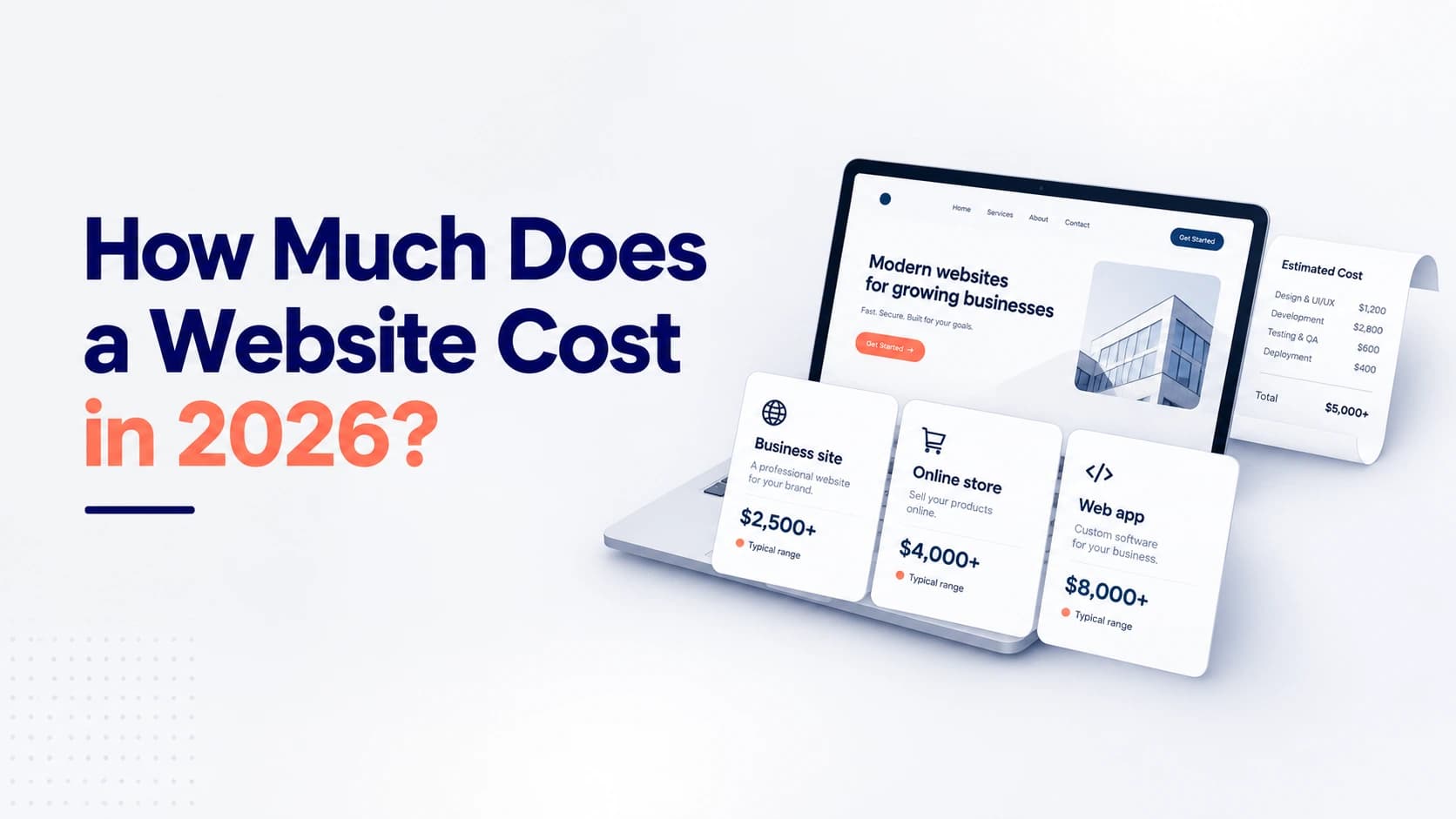
How Much Does a Website Cost in 2026? A Real Price Breakdown
What a website really costs in 2026: real starting prices for business sites, online stores and web apps, what moves a quote up or down, and the costs people forget.