§ Free tool
Free Shopify store audit.
This free Shopify store audit confirms your store runs on Shopify, then checks what shoppers and Google see: the theme and the apps it loads, mobile speed, SEO basics, the structured data on your product pages, and the checkout and trust signals that turn browsers into buyers.
What the audit checks
Theme and apps: whether the theme is Online Store 2.0, and every app we can see loading on your storefront. Speed: Google's mobile score, server response and third-party scripts. SEO: titles, the home page H1, share image, store details and sitemap.
Product data: whether product pages give Google the price, stock, brand, SKU and ratings. Checkout and trust: express checkout, refund and shipping policies, reviews, contact details, payment icons and email sign-up.
Why apps matter most
Most slow Shopify stores are slow because of apps, not Shopify. Each app adds scripts to every page, and uninstalled apps often leave code behind in the theme. The audit lists them so you can see what each one costs.
Fewer, better apps usually means a faster store and fewer conflicts, without losing features.
How to read your results
Fails point to things likely costing you sales now: more than 15 apps on the storefront, a mobile score under 50, Core Web Vitals rated poor, a slow server response, product pages with no structured data, or no refund and shipping policies. Warnings are the next tier, such as 9 to 15 apps, scripts from more than six outside domains, or a vintage theme.
The app list comes from the code your storefront and a product page load, so it shows the apps that affect what shoppers download, including leftovers that still load after an uninstall. Apps that only work inside the admin, such as inventory or accounting tools, never reach the storefront and will not appear. That is fine: they do not slow shoppers down.
Finding a store's theme
Every Shopify storefront carries a small block of theme details in its code. The Shopify store audit reads it and shows the theme's name, the Theme Store theme it is based on and its version where those are exposed, whether it came from the Theme Store or is custom, and whether it is Online Store 2.0.
A renamed theme usually still shows its original, because the theme keeps the name it shipped with in its settings. So a store calling its theme "Summer refresh" may turn out to be Dawn or another Theme Store theme underneath. If a store hides the details completely, the audit says so rather than guessing.
What to fix first
Start with apps. Remove the ones you no longer use, then check the theme code for leftovers from apps you have already uninstalled, since they often keep loading scripts. Merging overlapping apps, such as two review or two pop-up apps, usually gives the biggest speed gain for the least effort, with no change to how the store looks.
Then fix what affects every product: Product structured data with price, availability, brand and SKU or GTIN, and a reviews app that feeds ratings into search results. Trust items come last but are quick wins: refund and shipping policies linked in the footer, payment icons, Shop Pay with dynamic checkout buttons, and a clear contact page.
How we can help
Wyrelane Solutions is an experienced team that builds and fixes this for clients in the US, UK, Europe and Australia, at fixed prices with weekly demos:
- Shopify Development Shopify development company for growing brands: custom themes, headless Shopify, store migrations, Shopify SEO and app integrations, from setup to scale.
- Website Speed Optimization Website speed optimization services for WordPress, Shopify and custom sites: we fix Core Web Vitals, images, code, caching and hosting for rankings and sales.
- SEO & Technical Optimization Technical SEO services: audits, structured data, Core Web Vitals, indexing fixes and on-page optimization that help your site rank higher on Google.
Frequently asked questions
Does the audit need access to my Shopify admin?
No. It only reads your public storefront, like a shopper would, so there is nothing to install and no login.
Why is my Shopify store slow?
Usually apps and third-party scripts, large unoptimised images and heavy home page sections. The audit shows how many apps and outside scripts load.
What is an Online Store 2.0 theme?
Shopify's current theme architecture: sections on every page and apps added as blocks instead of injected code. Vintage themes are harder to change and often slower.
How do I find out what Shopify theme a store uses?
Run the store through this audit: it reads the theme details Shopify puts in the page and shows the theme name, version and whether it is Online Store 2.0. By hand, view the page source and search for Shopify.theme, which holds the same details.
How many apps should a Shopify store have?
There is no fixed number, but every app that loads on the storefront adds weight. The audit passes stores with eight or fewer storefront apps and flags more than 15. Most stores run well on a handful of well-chosen apps, with overlapping ones merged.
How do I check if my Shopify store is set up for SEO?
Check that the home page has a clear title, description and a single H1, that product pages output Product structured data, and that /sitemap.xml is submitted in Google Search Console. This audit covers those in one run; Search Console then shows which pages Google has indexed.
Can you fix what the audit finds?
Yes. We build and optimise Shopify stores, from theme work and app clean-ups to speed and SEO; book a free consultation and the audit comes with you.
Further reading

The Hidden Costs of a Cheap Ecommerce Website (That Show Up Later)
A cheap ecommerce website looks like a saving on day one. Here's where the real costs show up later, a three-year cost comparison, and when cheap is actually fine.
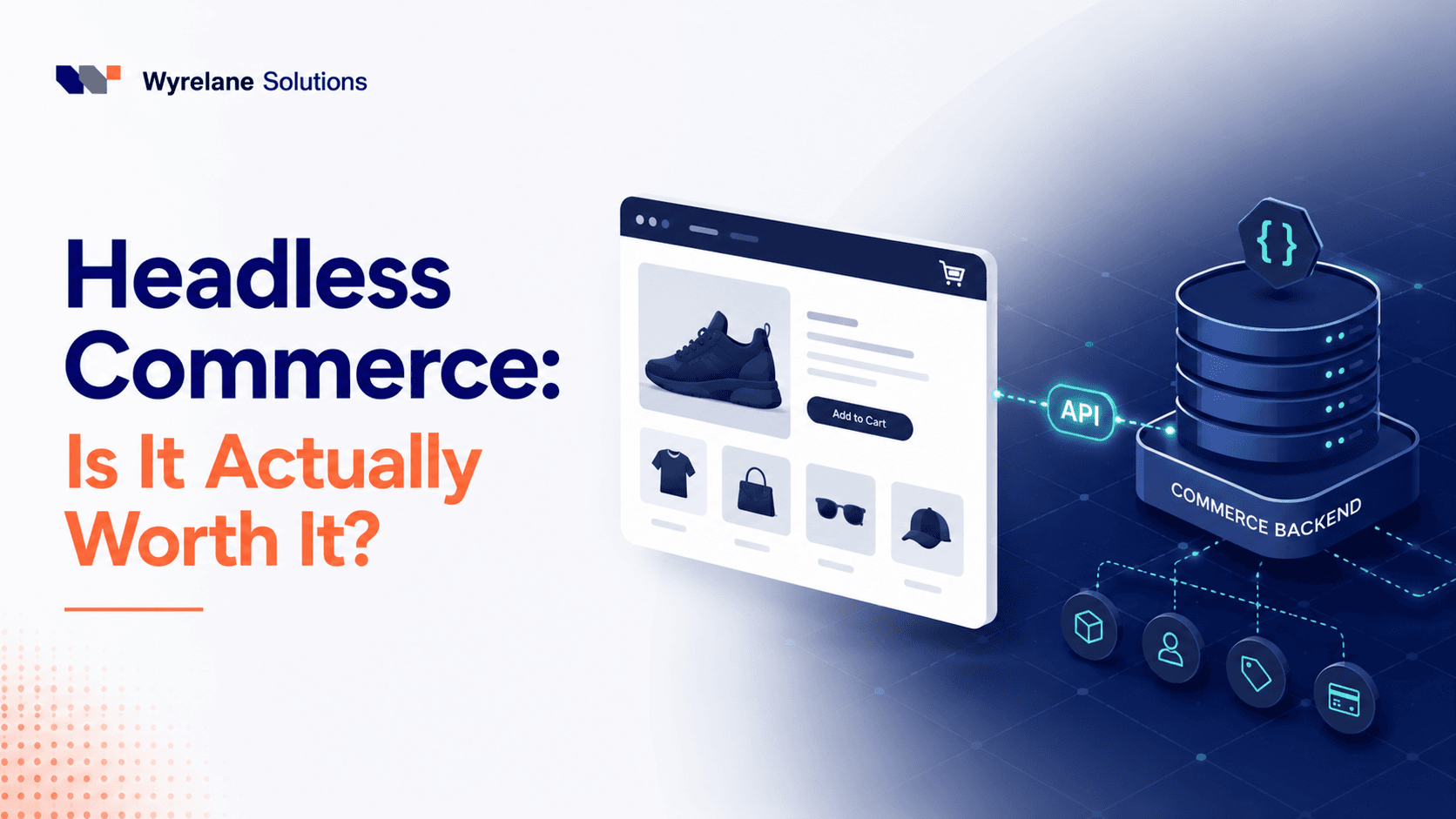
Headless Commerce: Is It Worth It for Your Store in 2026?
Headless commerce costs more to build and run than a theme store. When it pays off, when it's a costly mistake, what Hydrogen involves, and a checklist to decide.
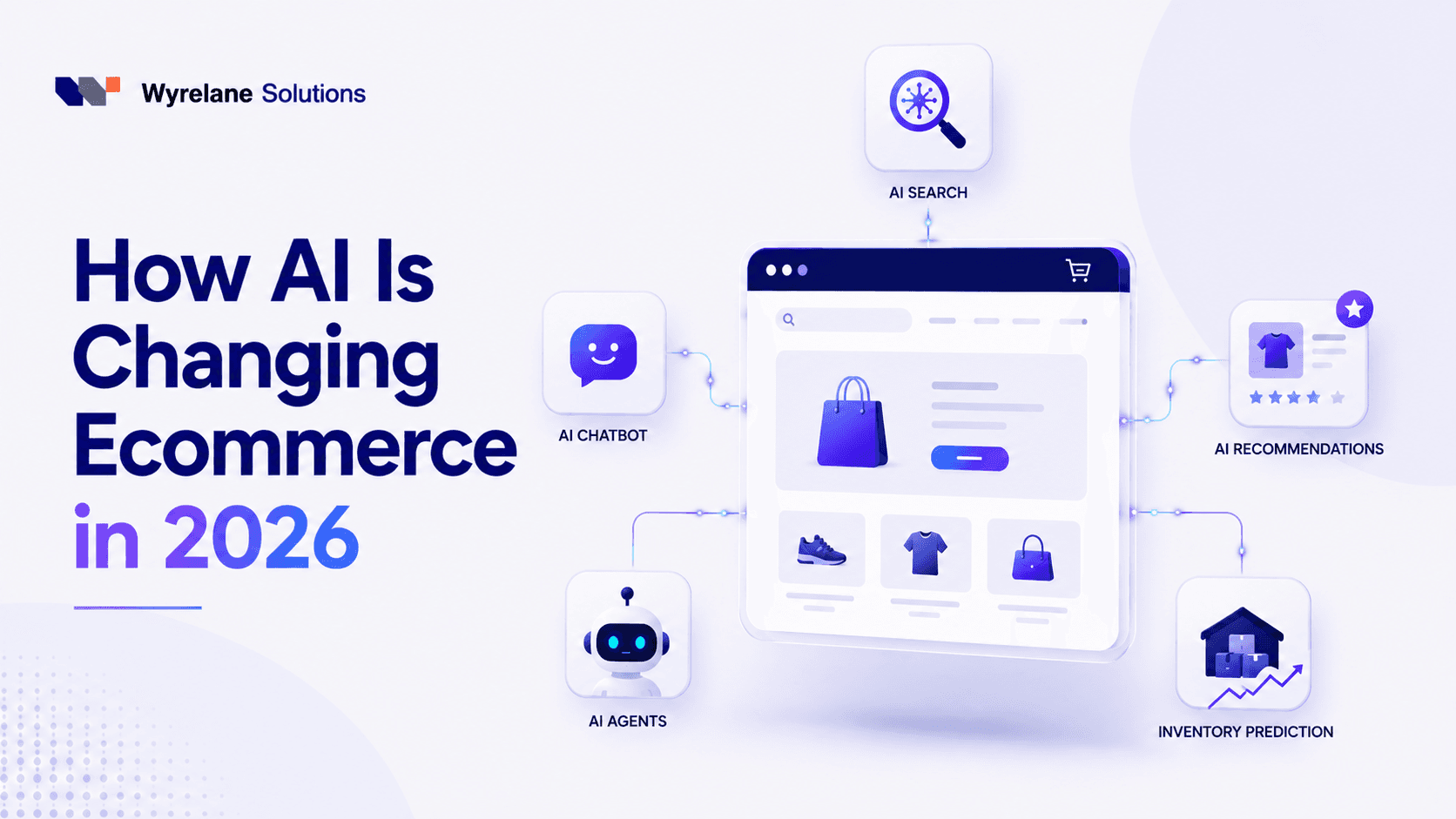
How AI Is Changing Ecommerce in 2026: What's Real, What's Hype
AI shopping assistants, agentic checkout, AI-written copy and support bots: what AI in ecommerce really changes in 2026, and a 90-day plan for your store.