Will AI Recommend My Products? How to Show Up in ChatGPT and Google AI Shopping
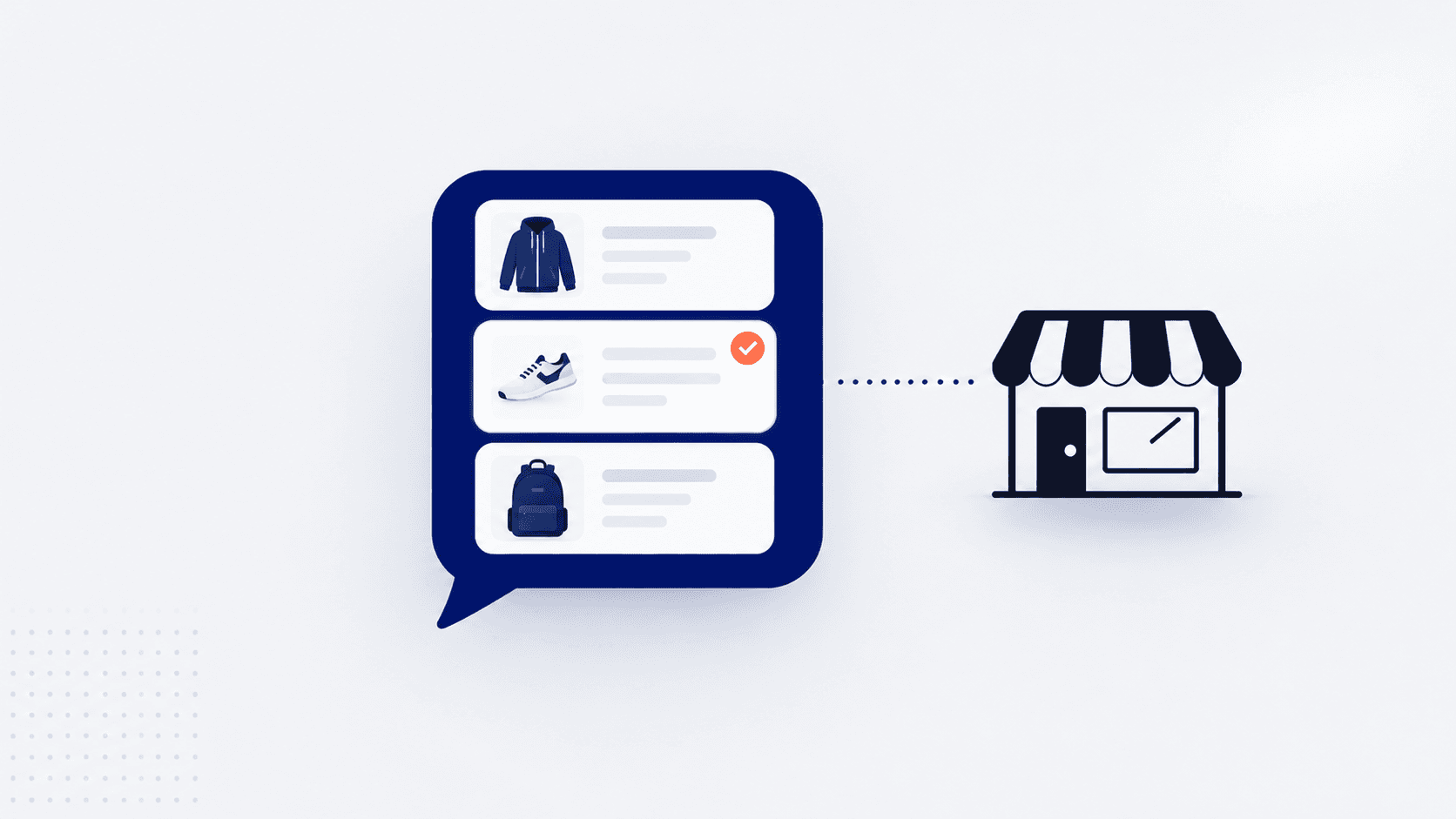
A shopper types "best waterproof jacket under $200 for cycling to work in the rain" into ChatGPT. Ten seconds later they have four jackets, a reason for each, and a link to buy. They never see a page of search results, and they never see your store, even though you sell exactly that jacket at $179.
That's why so many store owners are now asking: will AI recommend my products? The short answer is that AI shopping tools recommend products they can find, understand and trust. You can't buy your way into their organic answers, and nobody can guarantee you a spot. But most of what decides if your products get considered is your own product data, and you can fix that this month.
How AI Shopping Answers Are Put Together
Each AI tool works a little differently, and the details keep changing, but the broad picture is now fairly clear.
ChatGPT says its product results are selected independently and aren't ads. It builds them from public product pages it can read and from product feeds that merchants share with OpenAI, then explains its picks using the details it found.
Google's AI Mode draws on Google's Shopping Graph, the same product database behind Google Shopping. That database is filled from Google Merchant Center feeds and from the product structured data on store pages.
Shopify stores have their eligible products shared with AI shopping channels through Shopify Catalog by default. You can see which channels have access, and switch them on or off, in the sales channels section of your Shopify admin.
Other assistants, such as Perplexity and Microsoft Copilot, work along similar lines: they read product pages and product data from shopping platforms, then summarize what they find. The common thread is worth underlining. Every one of them is reading your product information. If it's thin, vague or missing, there's nothing for the AI to recommend you on.
How It Differs from Ranking on Google
Classic search shows ten links and lets the shopper do the comparing. An AI answer does the comparing itself and usually names three to five products. Being sixth isn't a lower position; it's not being mentioned at all.
The questions are different too. People type short phrases into a search box ("waterproof cycling jacket") but ask an AI tool long, specific questions with conditions attached: the budget, the use, the size, what it has to work with. The AI then looks for products whose details match those conditions. A product page that only says "Premium jacket, built to perform" gives it nothing to match.
What hasn't changed: the store still has to be crawlable, the facts still have to be right, and reviews still carry weight. Good SEO and good AI visibility overlap a lot. AI just punishes vague product pages harder.
Step by Step: Make Your Products Easy for AI to Recommend
Here's the order we'd work in. The first three steps cost nothing but time.
1. Make sure AI tools can read your store
If your robots.txt file blocks AI search crawlers, such as OpenAI's OAI-SearchBot, those tools can't read your pages. Some security settings and plugins block them without anyone noticing. Product details should also sit in the page itself, not only inside tabs or pop-ups that load when someone clicks.
Our free website health check shows whether your pages can be indexed, whether robots.txt and your sitemap are in order, and a fix for anything that isn't.
2. Write titles that say what the product is
"The Summit" means something to you. To an AI tool it means nothing. "Men's waterproof cycling jacket, packable, with reflective trim" can be matched to a real question. Keep your brand or product name, then add what it is and the one or two things that set it apart.
3. Write descriptions that answer buyers' questions
This is the step that matters most and gets skipped most. Copy the questions customers email you or ask in chat, and answer them in the description: what it's made of, how it fits, what it works with, who it's for, and who should buy something else.
A quick before and after, for a made-up product:
Before: "Our best-selling jacket. Stylish, durable and built for any adventure."
After: "Fully waterproof, with taped seams and a 20,000 mm rating. Cut longer at the back for cycling, with reflective trim on the sleeves. Packs into its own pocket. Runs small; size up if you wear a jumper underneath. Not insulated, so in winter it's a shell over warm layers, not a coat."
The second version can answer "waterproof cycling jacket that packs small" and "does it run small?" The first can't answer anything.
4. Fill in the structured product fields
Use your platform's own fields for size, colour, material, compatibility and category, rather than putting everything in the description. On Shopify that means the product category and its attributes; on WooCommerce, product attributes and categories. These fields feed the product data that search engines and AI tools read.
5. Check your product structured data
Structured data is code on each product page that states the facts plainly for machines: the price, currency, availability, brand, a SKU or GTIN (barcode), and the review rating. Most modern themes output it, but often with gaps, such as a missing brand or no identifiers.
If you're on Shopify, our free Shopify store audit checks a live product page for exactly these fields and tells you what's missing.
6. Keep a product feed in Google Merchant Center
Merchant Center is free and is how your products reach Google's Shopping Graph, which AI Mode draws on. Shopify connects to it through the Google & YouTube app, and WooCommerce through the Google for WooCommerce extension. The important part is keeping it accurate: a feed showing a price or stock level that doesn't match your site gets products disapproved.
7. Check your AI channel settings
On Shopify, open the sales channels section of your admin and check which AI channels can access your products through Shopify Catalog. Leave on the ones you want to sell through. On WooCommerce or a custom platform there's no switch that does this for you: Merchant Center covers Google, and OpenAI accepts product feeds from merchants directly, so check its merchant information for current eligibility.
8. Collect reviews and make your policies easy to find
Reviews give AI tools real-world detail to quote ("customers say it runs small"), and clear shipping and returns information answers questions shoppers ask before buying. Put both on the product page, not only in the footer.
What Not to Do
A new kind of visibility always brings shortcuts, and most of them backfire.
Stuffing descriptions with phrases you hope AI will match. AI tools read meaning, not keyword counts. A list of search terms makes the page worse for people and machines alike.
Fake or bought reviews. They break platform rules, and a pattern of suspicious reviews damages trust far more than having fewer reviews.
Paying for "guaranteed AI rankings." Nobody controls what ChatGPT or Google's AI Mode recommends organically. Anyone guaranteeing a placement is selling something they can't deliver.
Publishing hundreds of thin AI-written pages. Pages that exist only to catch questions, with no real information in them, add nothing an AI tool can use.
How to Tell Whether It's Working
There's no single report for AI visibility yet, so use three simple checks.
Ask the tools yourself. Once a month, ask ChatGPT and Google's AI Mode five or six questions your customers would ask, written the way they'd write them. Note which products and stores come up. It's rough, but over a few months you'll see if things are moving.
Watch your referral traffic. In your analytics, look for visits referred from chatgpt.com, perplexity.ai and similar sites. Links from ChatGPT usually carry a "utm_source=chatgpt.com" tag, which makes them easy to filter.
Check Merchant Center. Its performance and diagnostics reports show whether products are approved and being shown, and flag feed problems before they cost you.
Where to Start This Week
If you only have a few hours, do these in order:
Run your store through a health check and fix anything blocking crawlers.
Pick your ten best-selling products and rewrite their titles and descriptions to answer real buyer questions.
Check those ten pages for complete structured data: price, availability, brand and an identifier.
Set up or tidy your Google Merchant Center feed.
On Shopify, review your AI channel settings.
Then do the next ten products. This isn't a one-off project. It's the same product data work good stores have always done, now with a second, very literal reader.
Frequently Asked Questions
Will AI recommend my products if I'm a small store? It can. AI tools match products to specific questions, so a small store with detailed, accurate product information can be recommended for the questions it answers well, even against much bigger brands with vague pages.
Can I pay to appear in ChatGPT's product recommendations? Not in the organic results. ChatGPT says its product results are chosen independently and aren't ads. What you can control is whether your products can be found and understood.
How do I get my products into Google's AI Mode? Keep an accurate product feed in Google Merchant Center and make sure your product pages carry complete structured data. AI Mode draws on Google's Shopping Graph, which is built from both.
Do I need a special app to show up in AI shopping answers? Usually not. Shopify shares eligible products through Shopify Catalog by default, and Merchant Center is free. The work that makes the difference is improving your product titles, descriptions and data.
How long does it take to see results? It varies by tool and isn't published anywhere. Fixing crawl problems and feeds can help within weeks; better product content builds up over months. Check monthly rather than daily.
Keep reading
How AI Is Changing Ecommerce in 2026: What's Real, What's Hype
How to Add AI Product Recommendations to Your Shopify or WooCommerce Store
Want Your Products Ready for AI Shopping?
Cleaning up product data, structured data and feeds is part of our SEO and technical optimization work, and we build it in from the start on every store through our Shopify development service. Our experienced team can review your catalog and show you which fixes will matter most.